- 10 -
The camera turns 180° horizontally, sele shooting is available.
Track video
Record track video according to the waypoints which has been set.
Manual lock
Manually move camera to desired position, and hold for half a second. New tilt
/pan positions are automatically saved.
7. App Connecting
Download the App
When mounting mirrorless camera, pocket camera or action camera on gimbal for
shooting, please download "Feiyu SCORP".
When mounting smartphone on gimbal for shooting, please download "Feiyu ON".
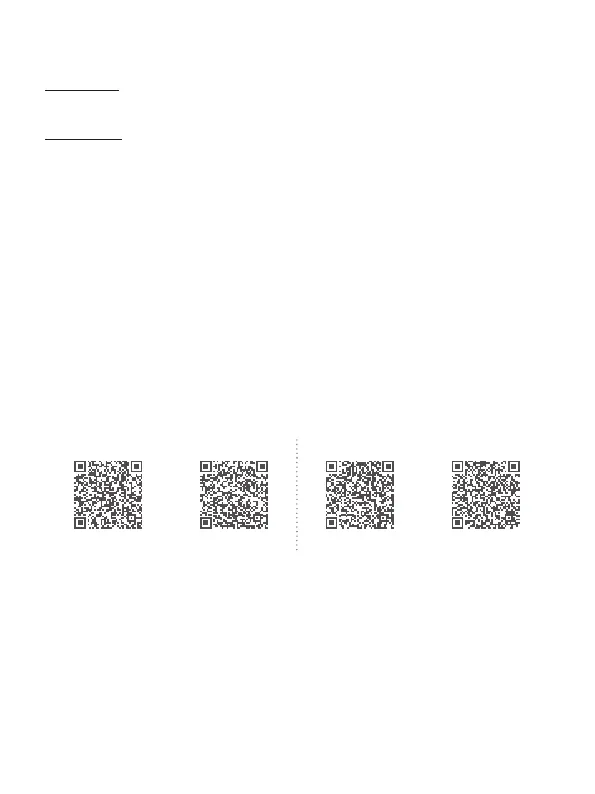
Scan the QR code to download the app, or search for "Feiyu SCORP", "Feiyu ON" in
the App Store or Google Play.
* Feiyu SCORP: Requires iOS 10.0 or above, Android 6.0 or above.
Feiyu ON: Requires iOS 9.0 or above, Android 6.0 or above.
iOS Android
Feiyu SCORP Feiyu ON Feiyu SCORP Feiyu ON
7.1 Connect App
When mounting mirrorless camera, pocket camera, or action camera on gimbal for
shooting, please use "Feiyu SCORP" App. When mounting smartphone on gimbal
for shooting, please use "Feiyu ON" App.
Follow the prompts to register for the rst time.
7.1.1 Connect with Feiyu SCORP App
(1)Turn on the gimbal














 To Next Page