15
www.feiyu-tech.com
Capture
Mode
Auto
Rotation
Payload
Setting
Settings
Scroll
Setting
Rotation
Time
Capture
Mode
Auto
Rotation
Payload
Setting
Settings
Scroll
Setting
Rotation
Time
Capture
Mode
Auto
Rotation
Payload
Setting
Settings
Scroll
Setting
Rotation
Time
Capture
Mode
Auto
Rotation
Payload
Setting
Settings
Scroll
Setting
Rotation
Time
Capture
Mode
Auto
Rotation
Payload
Setting
Settings
Scroll
Setting
Rotation
Time
Capture
Mode
Auto
Rotation
Payload
Setting
Settings
Scroll
Setting
Rotation
Time
The maximum time setting of PAN and TILT is less than 8 hours, and the maximum time setting of INVL
and DWELL is 59 seconds.
*
PAN
/
TILT
>
INVL
>
DWELL
Select the corresponding scene mode according to the shooting scene.
The load setting is performed according to the camera.
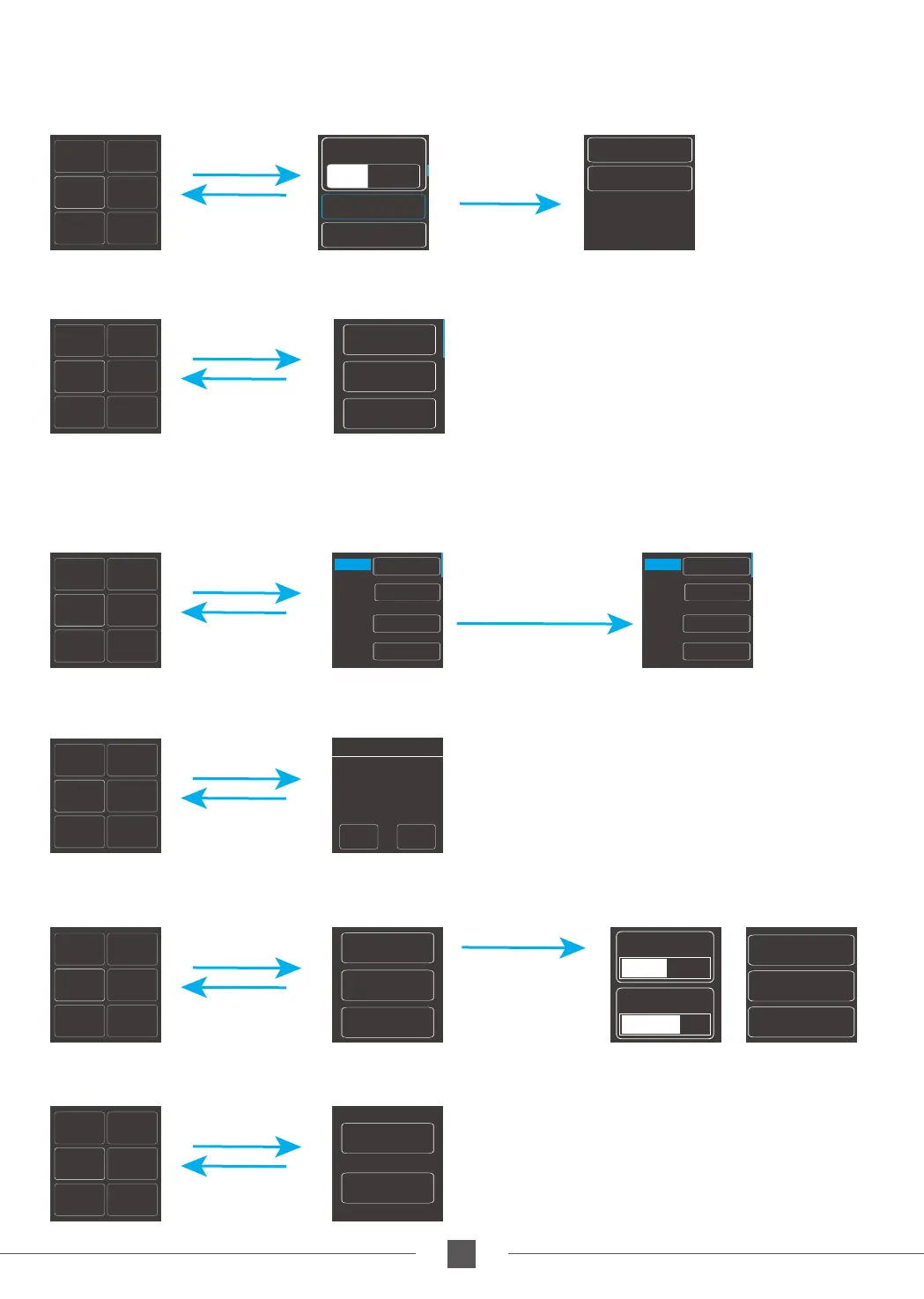
Enter auto-rotation mode
The higher the sensitivity setting, the faster the response of control PTZ/camera
Sensitivity
Camera ctrl
Settings
Screen interface
Default
Smooth
Action
WL W/T&F/F
AKFI
AKFII
Custom 2
Custom 3
Slide the touch-
screen interface
up and down
Pull the four-
directional joystick
up anddown to increase
and decrease the time
Touch the screen
to select and
change the options
Pull the four-
directional
joystick up
and down or
left and right
to select options
Click on the
touch-screen
Slide the touch-
screen interface
to the right
Click on the
touch-screen
Slide the touch-
screen interface
to the right
Click on the
touch-screen
Slide the touch-
screen interface
to the right
Click on the
touch-screen
Slide the touch-
screen interface
to the right
Click on the
touch-screen
Slide the touch-
screen interface
to the right
Click on the
touch-screen
Slide the touch-
screen interface
to the right
Calibration
Language
00:00:00
00:00:00
00:00:00
00:00:00
P A N
T I L T
I N V L
DWELL
07:59:59
07:59:59
00:00:59
00:00:58
P A N
T I L T
I N V L
DWELL
Gimbal
Camera
Please refer to the chapter "Auto-rotation Mode" in page 14
ESCO K
Initial
point
setting
procedure 1
PRESET
auto
Custom 1
Sensitivity
Camera ctrl
Auto focus



 To Next Page