16
www.feiyu-tech.com
5.3Modes
Modes
Manual Lock
Single tap the power button in the panning follow mode to enter the panning follow
mode and rolling follow (rolling follow angle ≤ 60°).
Single tap the power button in the follow mode to enter the follow mode and rolling
follow (rolling follow angle ≤ 60°).
Single tap the power button in the lock mode to enter the lock mode and rolling follow
(rolling follow angle ≤ 60°).
Long press or lock functions of multifunction knob, single press the
multifunction knob / or to restore the functions.
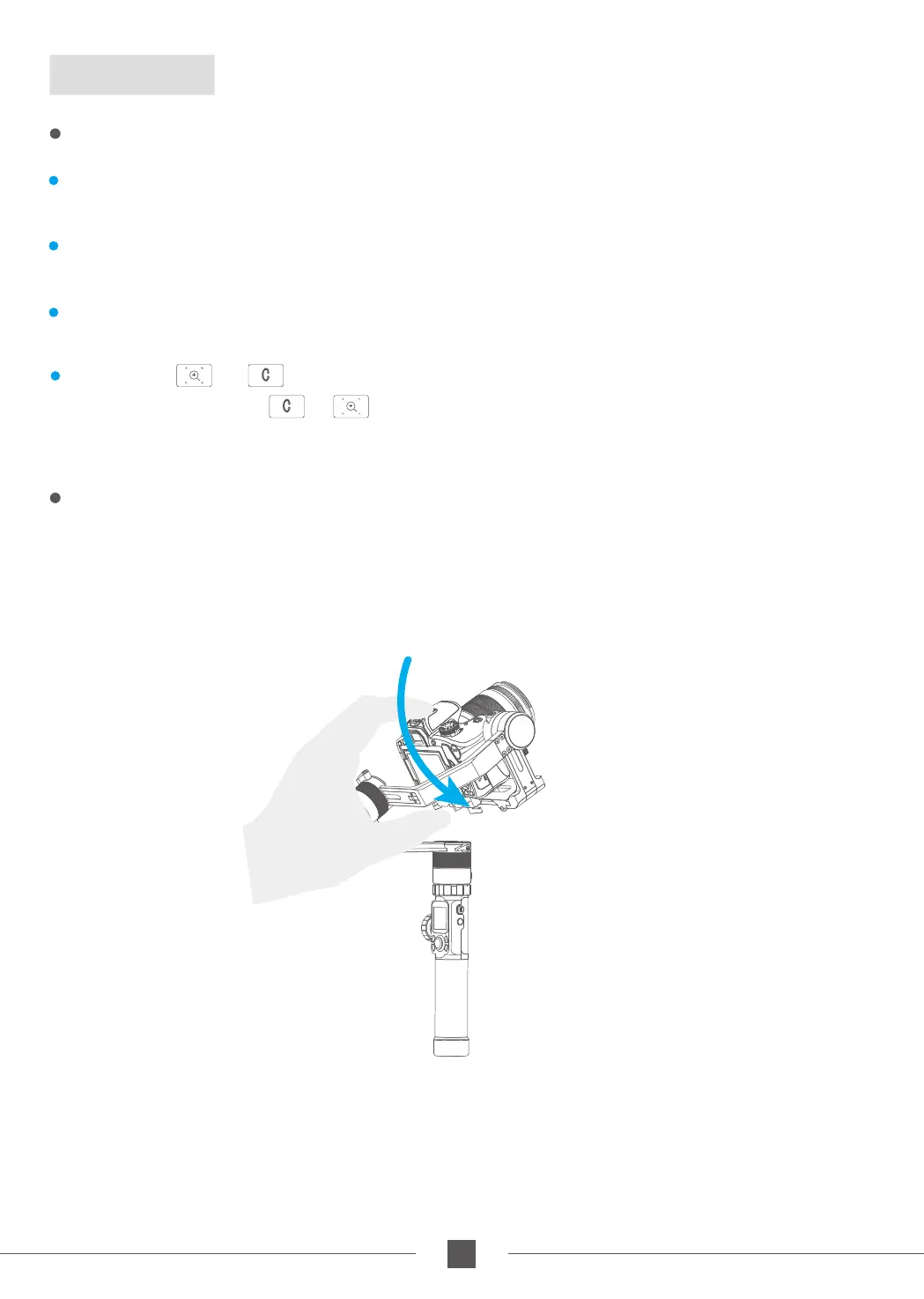
Manually move camera to desired position,and hold for half a second. New tilt and/or
pan positions are automatically saved.
(Camera can be manually positioned while in panning mode ,follow mode or lock mode.)
Take the tilt axis setting for example:



 To Next Page