PRESET SETTINGS MENU
In addition to populating the signal path and editing block parameters, the Preset Settings symbol ( ) at the center of lower ribbon allows
selection of several preset-level parameters, including:
• PRESET VOLUME: For normalizing volume of all presets using a range of 0-100%.
• SIGNAL PATH TYPE: For selection of audio routing templates with various combinations of series/parallel blocks and input sources.
• INPUT IMPEDANCE: This parameter allows selection of several combinations of analog hardware input impedance and capacitance. These
simulate the actual input impedance of the modeled amps and effects; changing this parameter alters the signal level and tonality as if the
guitar pickups were interacting with the actual amp or effect. Options are:
AUTOIMPEDANCE (DEFAULT): Automatically selects an appropriate impedance and capacitance based on the first active amp or
effect in the signal path.
22k ohms 330k ohms with 330pF capacitance
22k ohms with 330pF capacitance 1M ohm
330k ohms 1M ohm with 330pF capacitance
• OUTPUT ASSIGN: For routing instrument or microphone signal paths to rear-panel hardware outputs. Options are OUTPUT 1,
OUTPUT 2 and HEADPHONES.
• PRESET SPILLOVER: On/off control (per preset) for hearing delay/reverb tails when changing presets.
• AMP CONTROL 1/2: Controls external amplifier (or other gear) switching functions such as channel select and reverb on/off; or
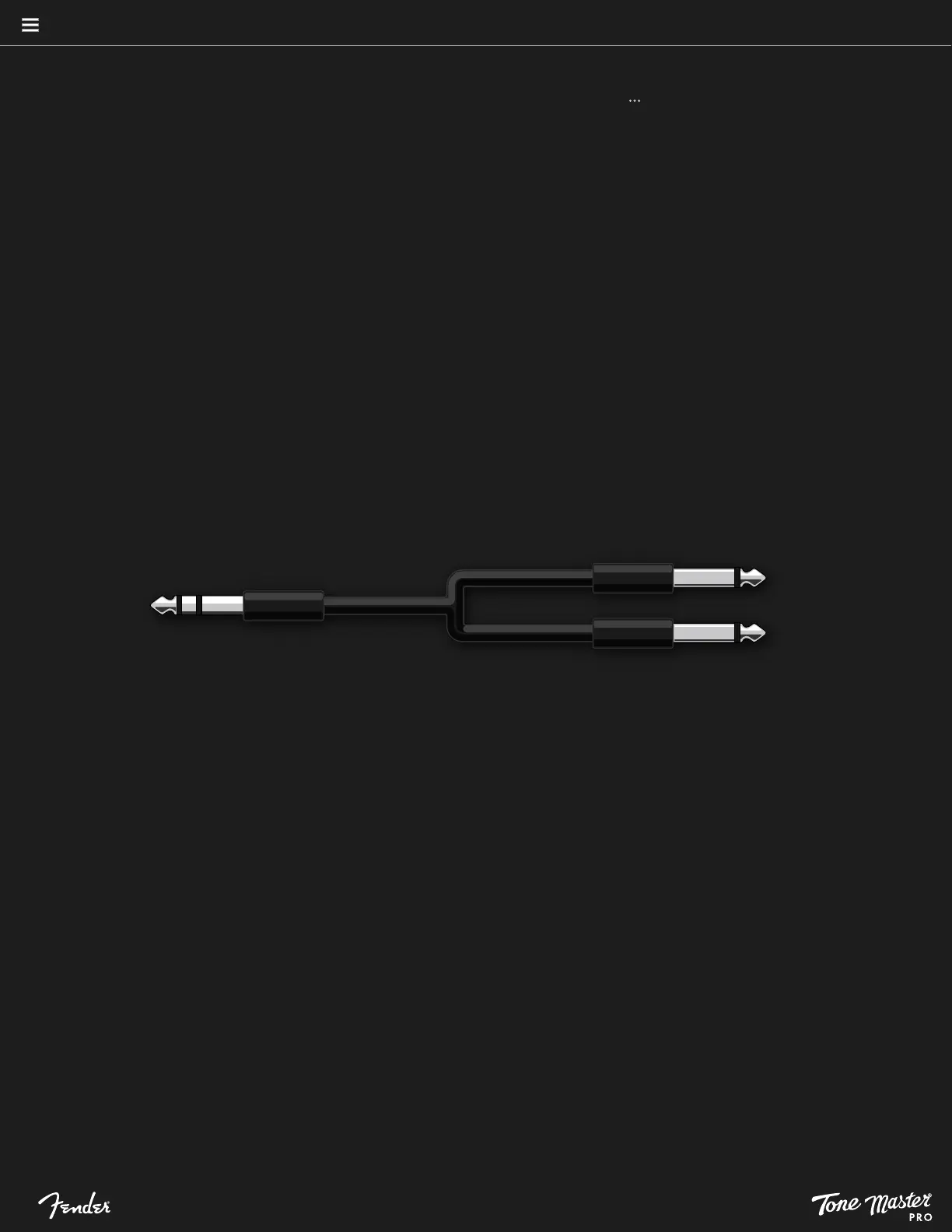
bypass for products that use tip/sleeve shorting jacks. Use a TRS to dual TS splitter cable to access both control functions (see image below).
PRESETS
17





 To Next Page