30
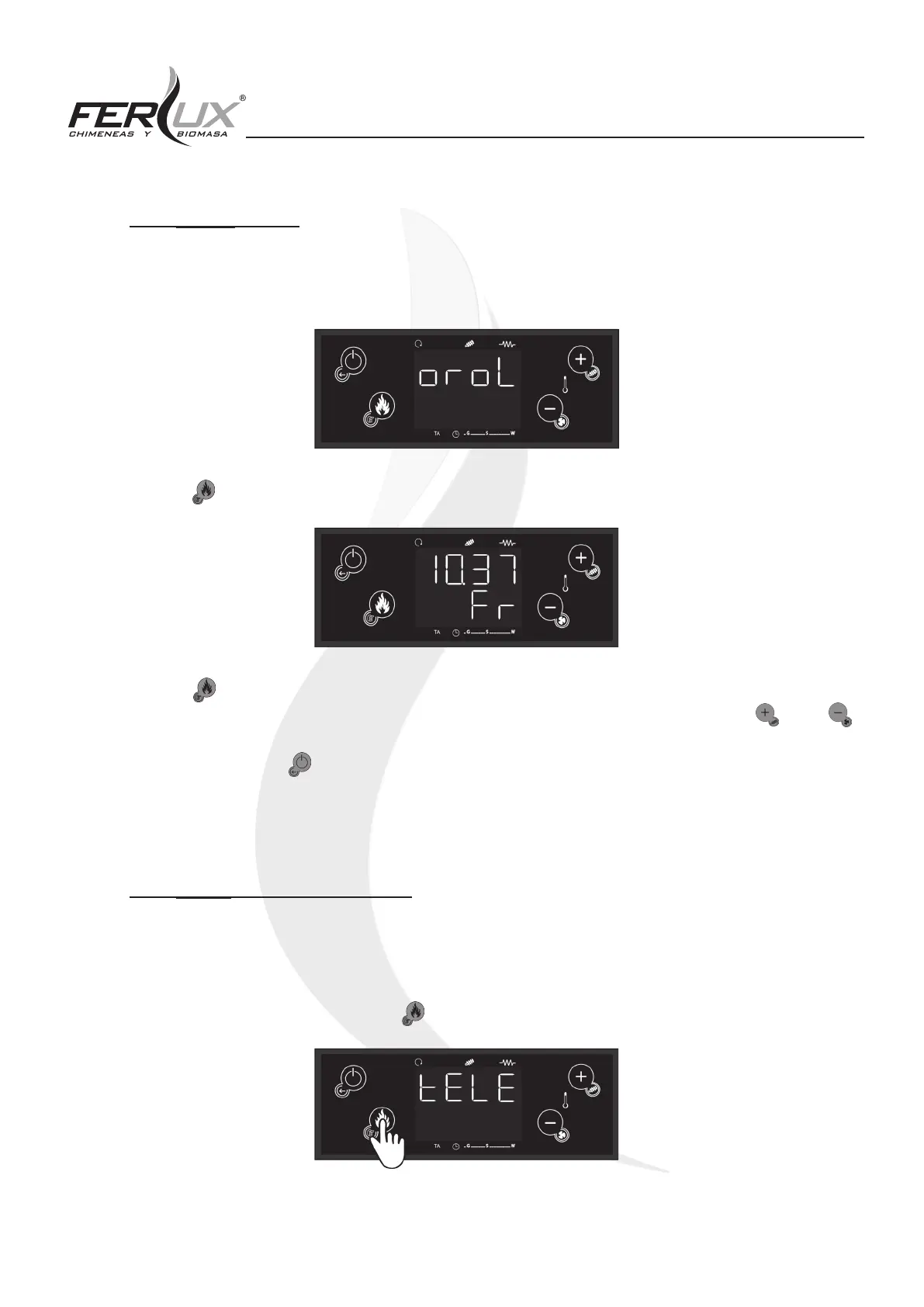
6.2.3 [oroL] CLOCK
This function allows you to set the date and the time. This setting is required in order to design schedules for turning
the heater on and o.
Once you see the following menu displayed on the screen, proceed as follows:
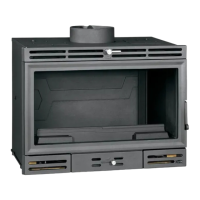
Press the (P3) button and the screen will immediately show the following:
-
Press the (P3) button again and the hours will begin to ash. If you continue to press this button, the minutes or
days of the week can be adjusted. When the hours, minutes, or days of the week are asing, use the (P2) or
(P4) buttons to adjust these values.
To exit this function, press (P1) button or wait a few seconds. If you push this button before selecting and conrming,
the information will not be saved.
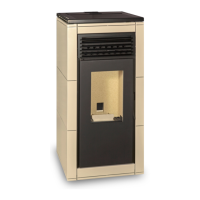
6.2.4 [tELE] REMOTE CONTROL
This function is used to activate and deactivate the remote-control functionality.
This menu is disabled by factory default (OFF). In order to enable remote control functionality, it is necessary to
activate this function (ON).
The procedure is as follows:
1. Go to the [tELE] function and press the (P3) button, as shown below


 To Next Page