Pag 13
SISTEMAS
MEMOKEY 100C
MEMOKEY 100C
The system initially comes programmed to activate both the door release and the additional
electrical device (where present) with a 1-second timing.
This may be too short for certain applications ( for example because the door release is not
activated long enough to push the door, or because the additional device is a light you want
to stay on for several seconds). The activation timing can be changed using this sequence:
NOTE:
99
99
9 In most cases the devices are normally deactivated, as in the case of a normal
door release. Inverse operation door release systems are, in contrast, devices
that usually run activated.
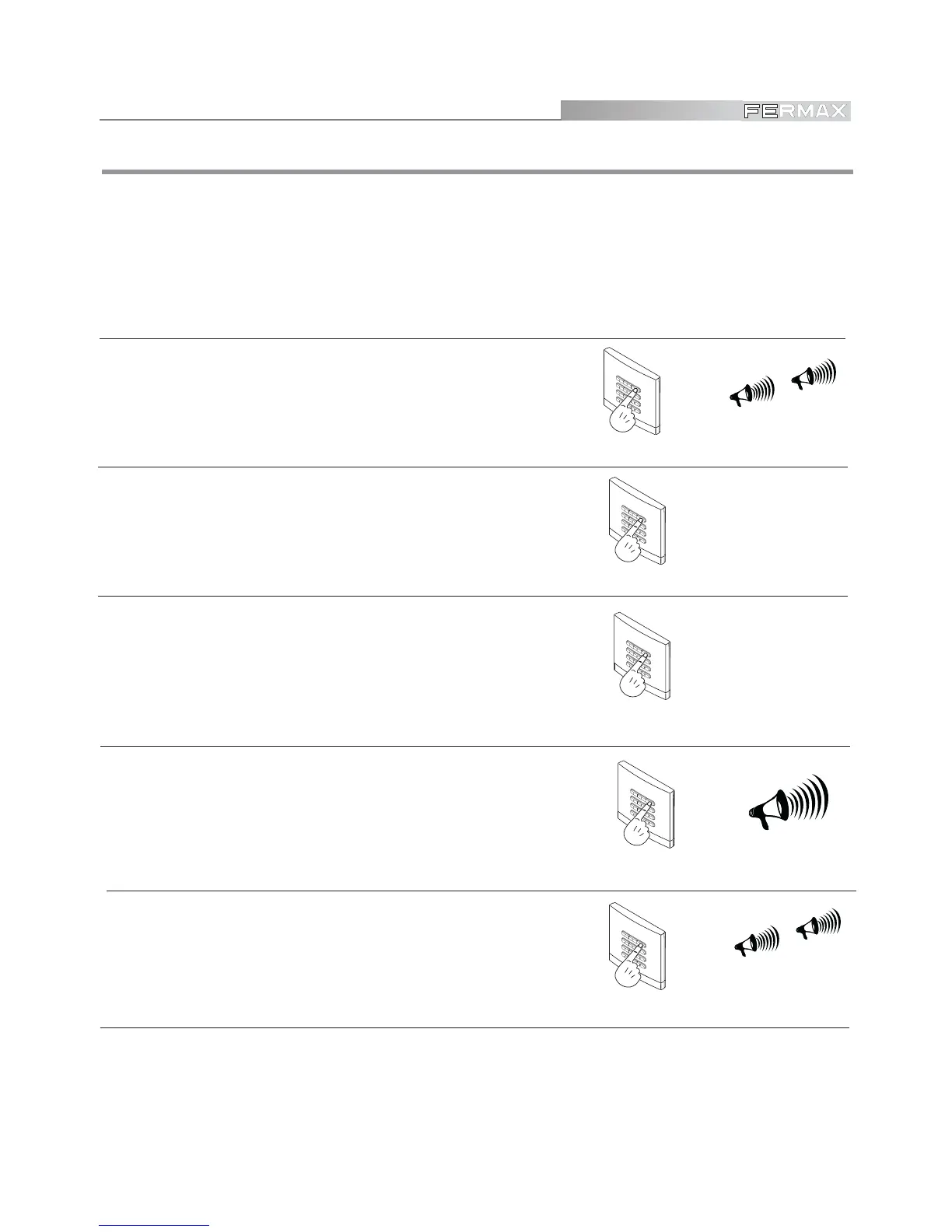
Setting electrical device activation timing
2. Key in “A 2 “ to modify door release timing or
else:
Key in “A 3 “ to modify timing of an additional
electrical device
beep-beep
1480
A2orA3
5. Exit PROGRAMMING mode
Key in “AA” to exit programming mode. System
exits programming mode automatically after 20
seconds inactivity.
beep-beep
A A
1. Enter PROGRAMMING mode
Key in the Master code, 1480 by default, although
this may be changed if you wish, as shown in this
manual.
00, 01, ... ,99
3. Enter the new timing.
Key in the digits indicating the seconds.
If you key in “00” the device will stay activated till
another valid code is entered.
beeeep
4. Key in “0 “ if the device is normally activated or
Key in “1” if the device is normally deactivated.
See NOTE.
0 or 1



 To Next Page