Pag 16
SISTEMAS
MEMOKEY 100C
MEMOKEY 100C
Troubleshooting table
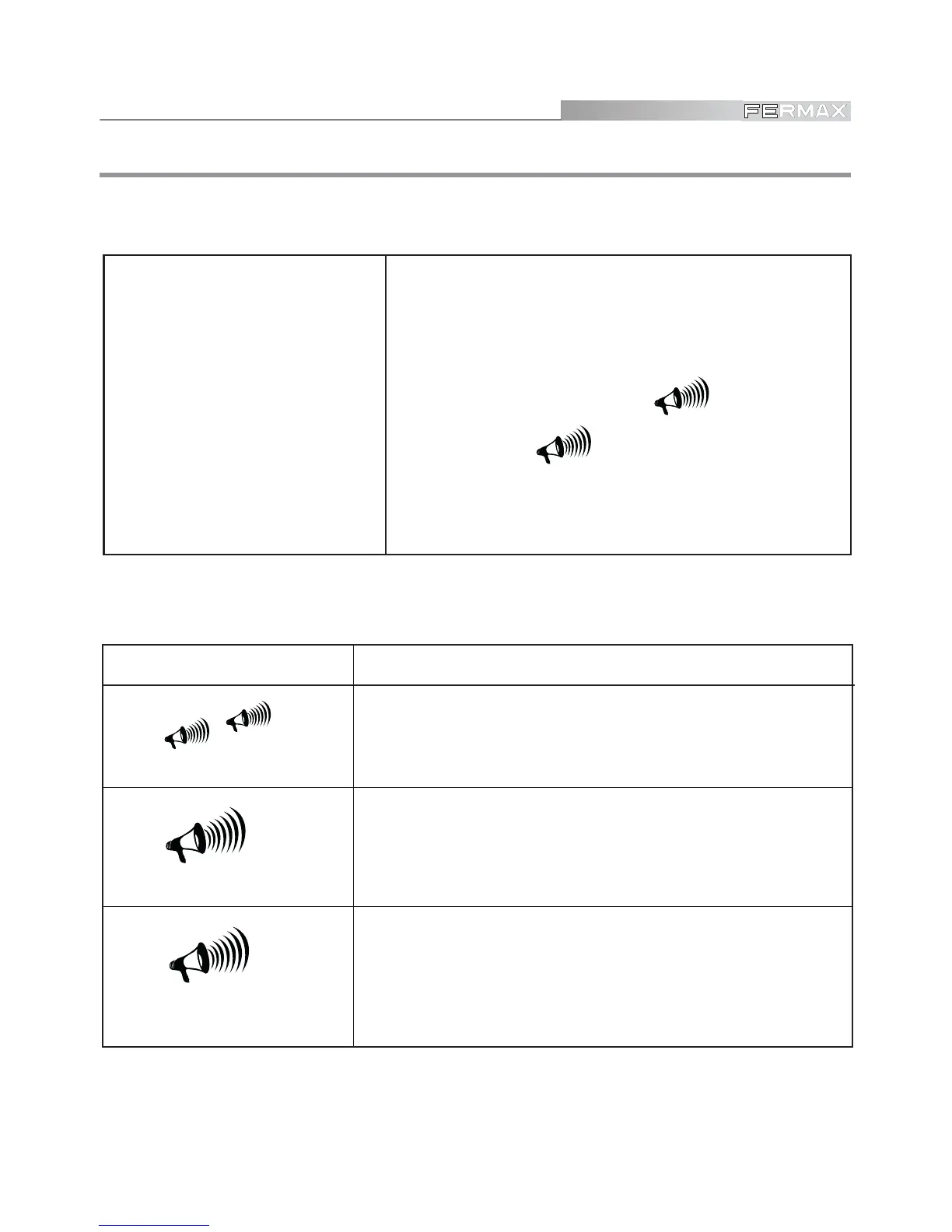
beep-beep
Enter PROGRAMMING or
Exit PROGRAMMING MODE
CONFIRMATION
SOUND
ACTION
beeeep
maaawc
Wrong data
SYMPTOM
CHECKS
• If the equipment does not
respond to programming.
1. DISCONNECT the POWER SOURCE and enter the
sequence again.
2. Make sure the codes entered have the programmed
length. To check this, press a number key repeatedly
until the confirmation sound ( beeeep ) or
error sound ( maaawc) is heard. The
number of digits will correspond to the number of
times it had to be pressed.



 To Next Page