22/68
GB
5 USING THE COMPRESSOR
CHECKING THE SETTINGS
1) When the machine is ready, “PRESS START TO START” appears on the display. You can check the
overall setting of the control unit by pressing the “UP arrow” or DOWN arrow” keys of the push button control
panel:
Note! Refer to the menu descriptions to better comprehend the meaning of the parameters listed
hereafter.
Press the DEFAULT key to exit.
2) Press the “left arrow” and the “right arrow” key on the push button control panel to view the following on
the display for a few seconds:
- Total hours of operation (OL)
- Hours of operation under load (OC)
- Number of hours left to maintenance (MANUT)
Example:
Where:
OL = 150 h
OC = 100 h
MANUT = 2850 h
MENUS THE CLIENT CAN ACCESS
PASSWORD MENU HOW TO ACCESS HOW TO EXIT
“< + DEFAULT” AUTOTEST
Keys < and DEFAULT pressed together
“STOP” key
“> + DEFAULT” CLIENT
Keys > and DEFAULT pressed together
“DEFAULT” key
AUTOTEST (“< + DEFAULT” simultaneously)
To access the menu, press the < and DEFAULT keys simultaneously.
The AUTOTEST function automatically checks the electrical connections of the machine.
TESTING
STOP TO EXIT
TH: 150 - - MAINTEIN
LH: 100 - - 2850
To exit the AUTOTEST function, press the Stop button as indicated on the display.
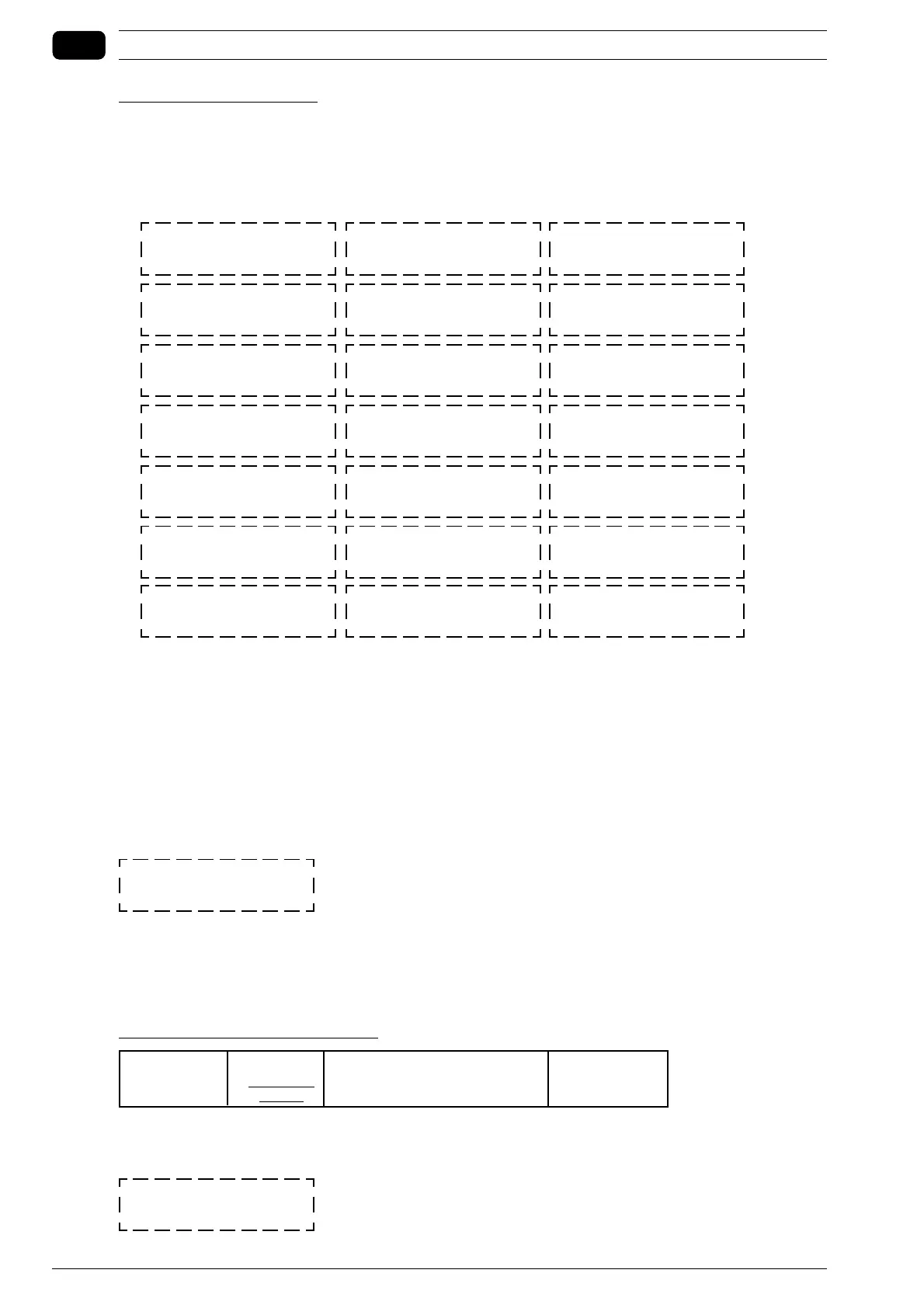
SELECT PSI/BAR 2/1
(---)
IDLE RUN TIME
(---)
No. OIL LOW TEMP AL.
(---)
SELECT FAR/CELS 2/1
(---)
MAX P. CUSTOMER
SETUP (---)
HOURS WORKED
(---)
PRESS.SENSOR SETUP
(---)
STAR-DELTA TIME
(---)
No. MOTOR
THERM.ALARMS (---)
LANGUAGE CHOICE (0-4)
(---)
BUZZ. (y/n) (1/2)
(---)
No.MOTOR TEMP.
ALARMS (---)
REN.CONTR. (2/1) (y/n)
(---)
MIN P. CUSTOMER
SETUP (---)
HOURS OF
COMPRESSION (---)
MAINTENTENANCE TIME
(---)
NET SWITCH OFF HOUR
(---)
ALARM OIL TEMPERAT
(---)
ALARM PRESSURE
(---)
No.OIL TEMP. ALARMS
(---)
No.PRESSURE ALARMS
(---)



 To Next Page