24/68
GB
5 USING THE COMPRESSOR
1
To summarise:
CALIBRATION LIMITS
- Max. P. < Alarm P. - 0.5 bar/7.2 psi
- Min. P. > 5.5 bar/79.8 psi
- DP = (Max. P. – Min. P.) > 1 bar/14.5 psi
- 120 s < IDLE RUNNING TIME < 600 sec
- “0” to reset the meter.
The “Alarm P.” can be modified from the manufacturer’s “SETTING” menu.
ALARMS
The alarms that may trigger can be grouped in two categories:
A) Stopped ALARM (red steady LED)
B) Warning ALARM (red flashing LED)
C) INVERTER stopped and warning ALARMS (Red steady or flashing LED)
A) Stopped ALARM
This type of alarm stops the compressor and is pointed out by the red steady LED (ALARM on
dashboard), by a beeping buzzer and by a flashing message on the display indicating the cause for the
actual alarm.
1. When the Pressure exceeds the limit alarm pressure (case in which the increase in pressure is so quick
that the max. cut-off pressure is unable to intervene) the following appears on the display:
ALARM
PRESSURE
THE COMPRESSOR STOPS!
To reset the machine:
Once the pressure has dropped (P < Alarm P.) press the “RESET” key to set the compressor ready to
start again. At this stage the following appears on the display:
2. When the limit oil-air temperature is exceeded (T>alarm T.=105°C/221°F) the following appears on the
display:
PRESS START
TO START
ALARM
TEMPERATURE
THE COMPRESSOR STOPS!
To reset the machine:
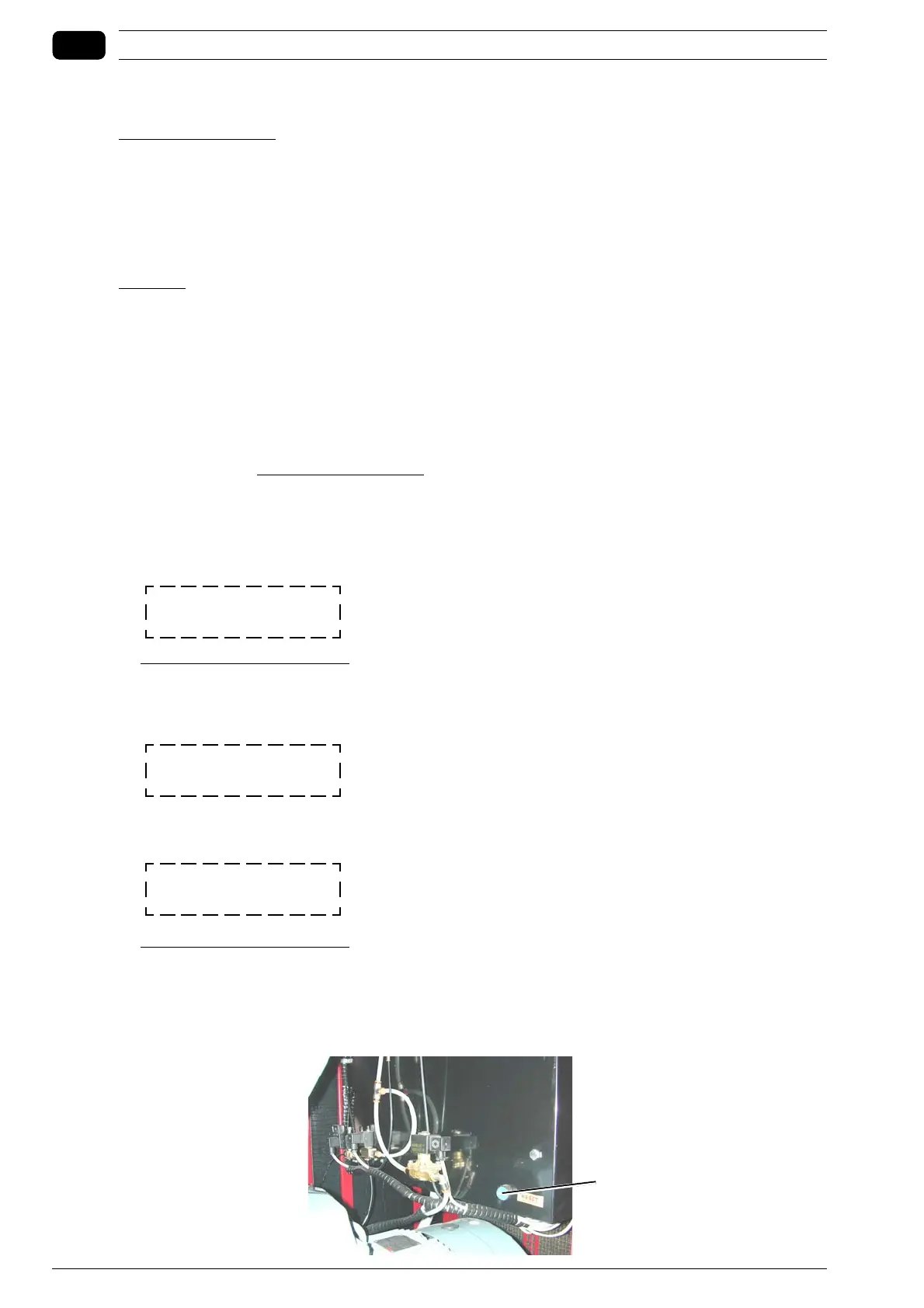
Once the temperature has dropped by at least 10°C/18°F compared to the limit temperature, you can
RESET the compressor internally (you need to open the front hatch and then press the board RESET
button).



 To Next Page