16
SD Card
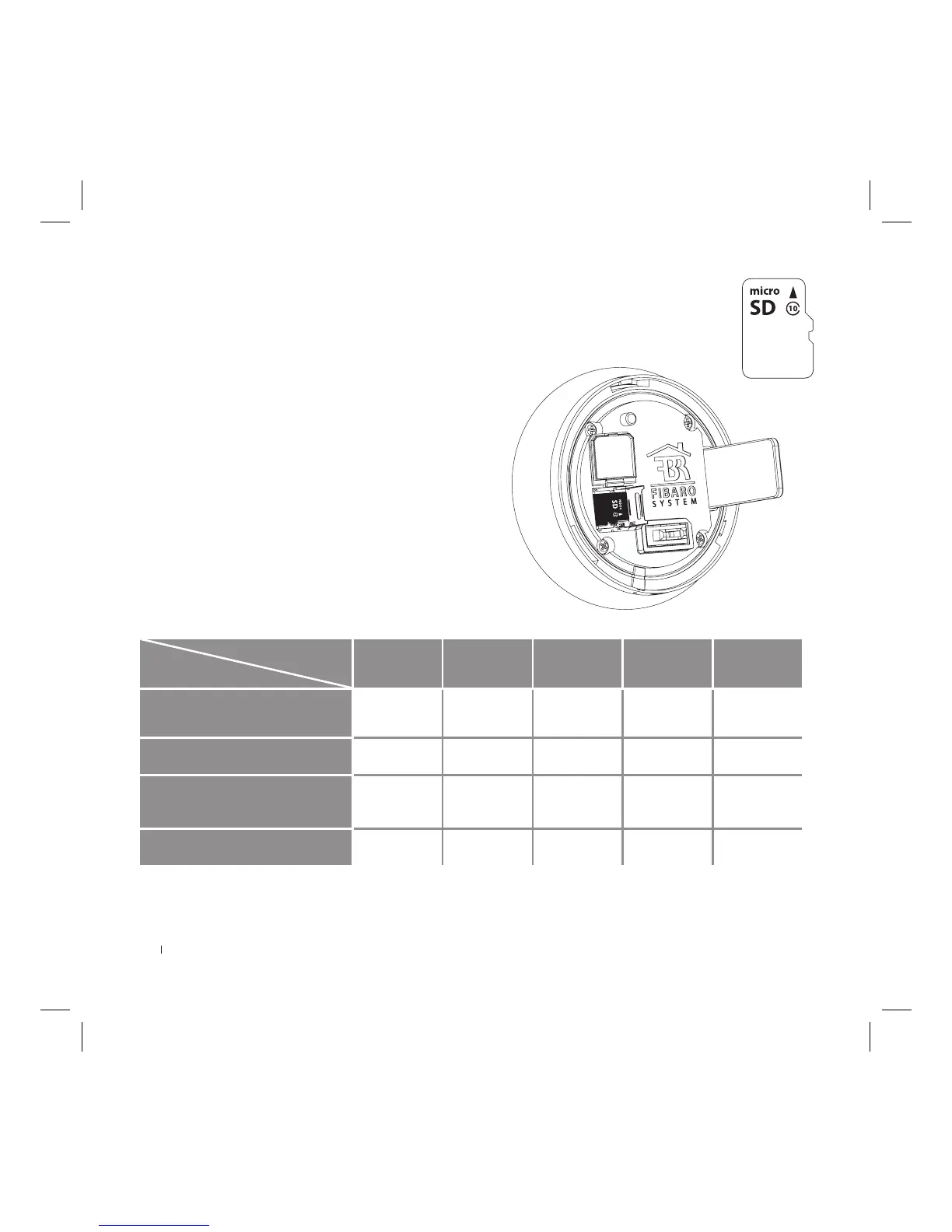
The device allows for installing the microSD Card for local storage of recordings.
FIBARO Intercom supports up to 128 GB microSDHC and microSDXC cards, Class 10 is recommended.
As for recording time, please refer to below chart.
Inserting a memory card:
1) Before inserting the microSD Card, please ensure the direction is
correct, otherwise the card and card slot may be damaged!
2) Open the plastic cover located behind the ring.
3) Use your nger to pull forward the latch that keeps the SD card
in place.
4) Lift the latch up.
5) Place the SD card into the slot with the label side facing up and
the gold contacts toward the slot.
6) Close the latch and pull it back until you feel a click.
7) Close the plastic cover.
INSTALLATION - SD CARD
128 GB
128 GB
Memory card capacity chart
Storage
Resolution
8 GB 16 GB 32 GB 64 GB 128 GB
1080p (1920 x 1080) 10h 19h 39h 77h 155h
720p (1280 x 720) 17h 35h 69h 139h 277h
576p (720 x 576) 25h 50h 99h 198h 395h
288p (352 x 288) 69h 139h 278h 555h 1110h



 To Next Page