11
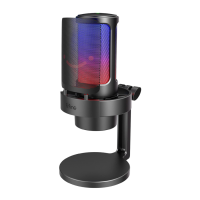
RGB Button Operation
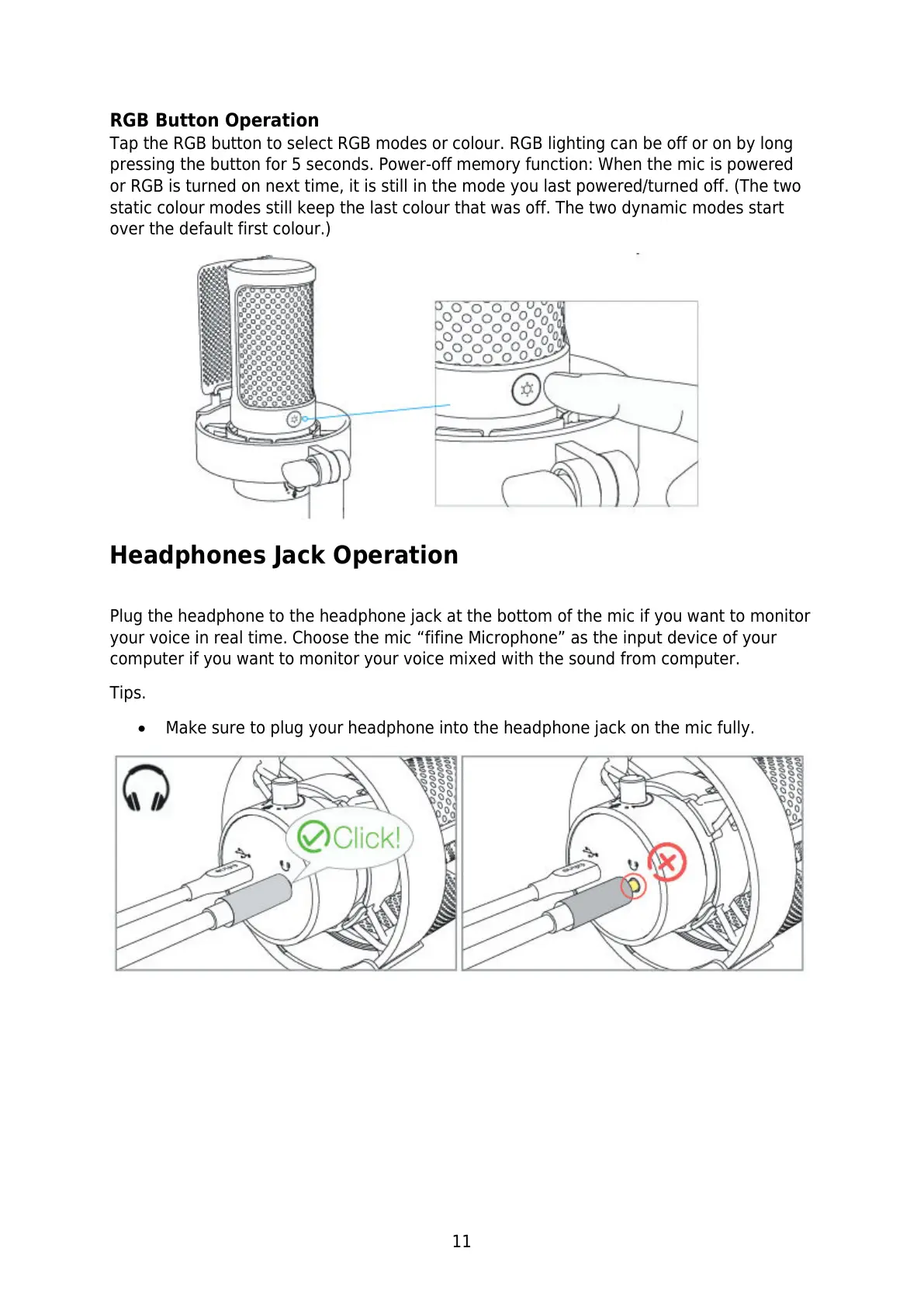
Tap the RGB button to select RGB modes or colour. RGB lighting can be off or on by long
pressing the button for 5 seconds. Power-off memory function: When the mic is powered
or RGB is turned on next time, it is still in the mode you last powered/turned off. (The two
static colour modes still keep the last colour that was off. The two dynamic modes start
over the default first colour.)
Headphones Jack Operation
Plug the headphone to the headphone jack at the bottom of the mic if you want to monitor
your voice in real time. Choose the mic “fifine Microphone” as the input device of your
computer if you want to monitor your voice mixed with the sound from computer.
Tips.
Make sure to plug your headphone into the headphone jack on the mic fully.


 To Next Page