6
Guidance for use
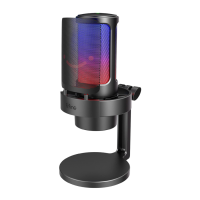
The microphone has been installed already. You can start to use it by following steps.
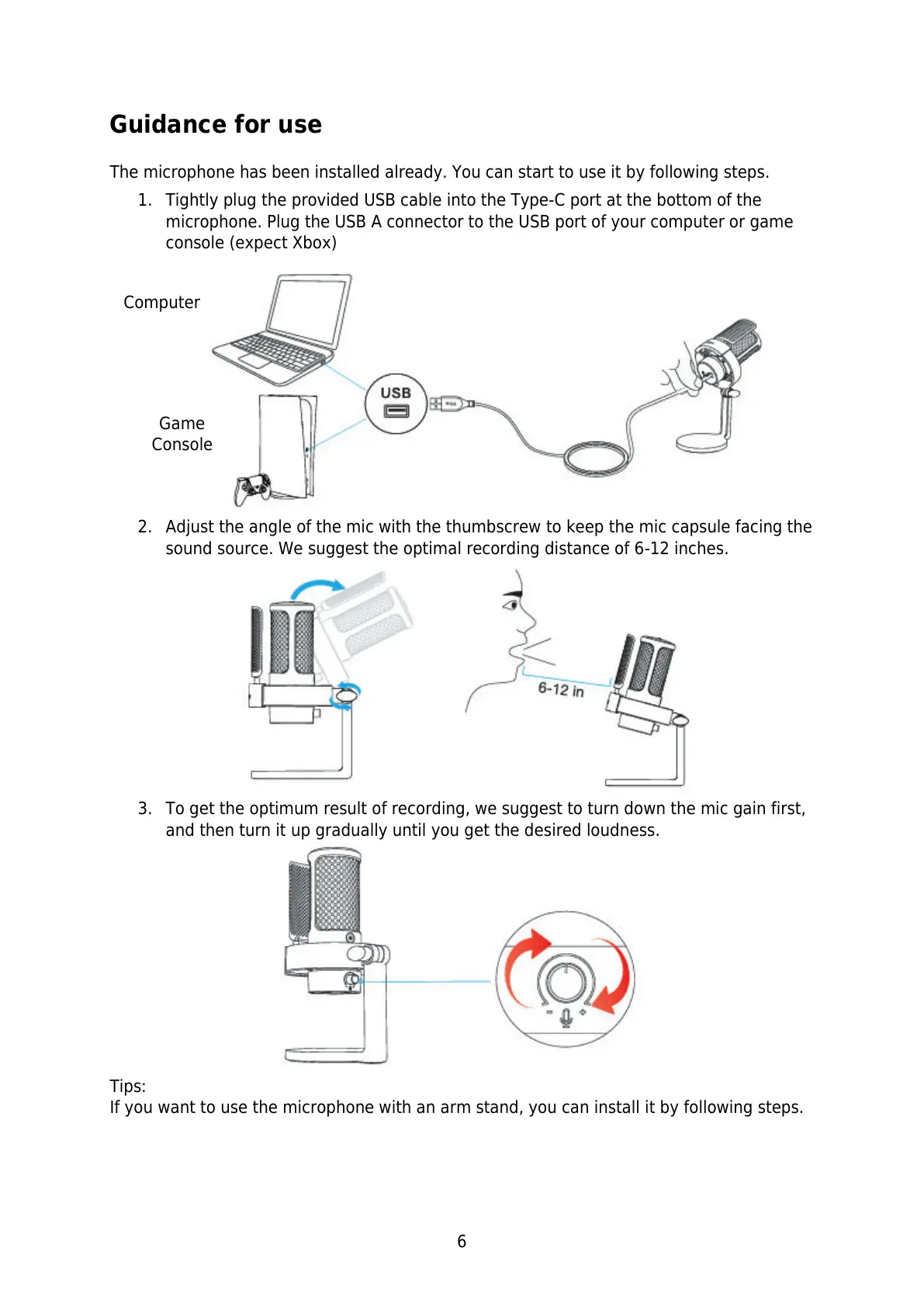
1. Tightly plug the provided USB cable into the Type-C port at the bottom of the
microphone. Plug the USB A connector to the USB port of your computer or game
console (expect Xbox)
2. Adjust the angle of the mic with the thumbscrew to keep the mic capsule facing the
sound source. We suggest the optimal recording distance of 6-12 inches.
3. To get the optimum result of recording, we suggest to turn down the mic gain first,
and then turn it up gradually until you get the desired loudness.
Tips:
If you want to use the microphone with an arm stand, you can install it by following steps.


 To Next Page