5
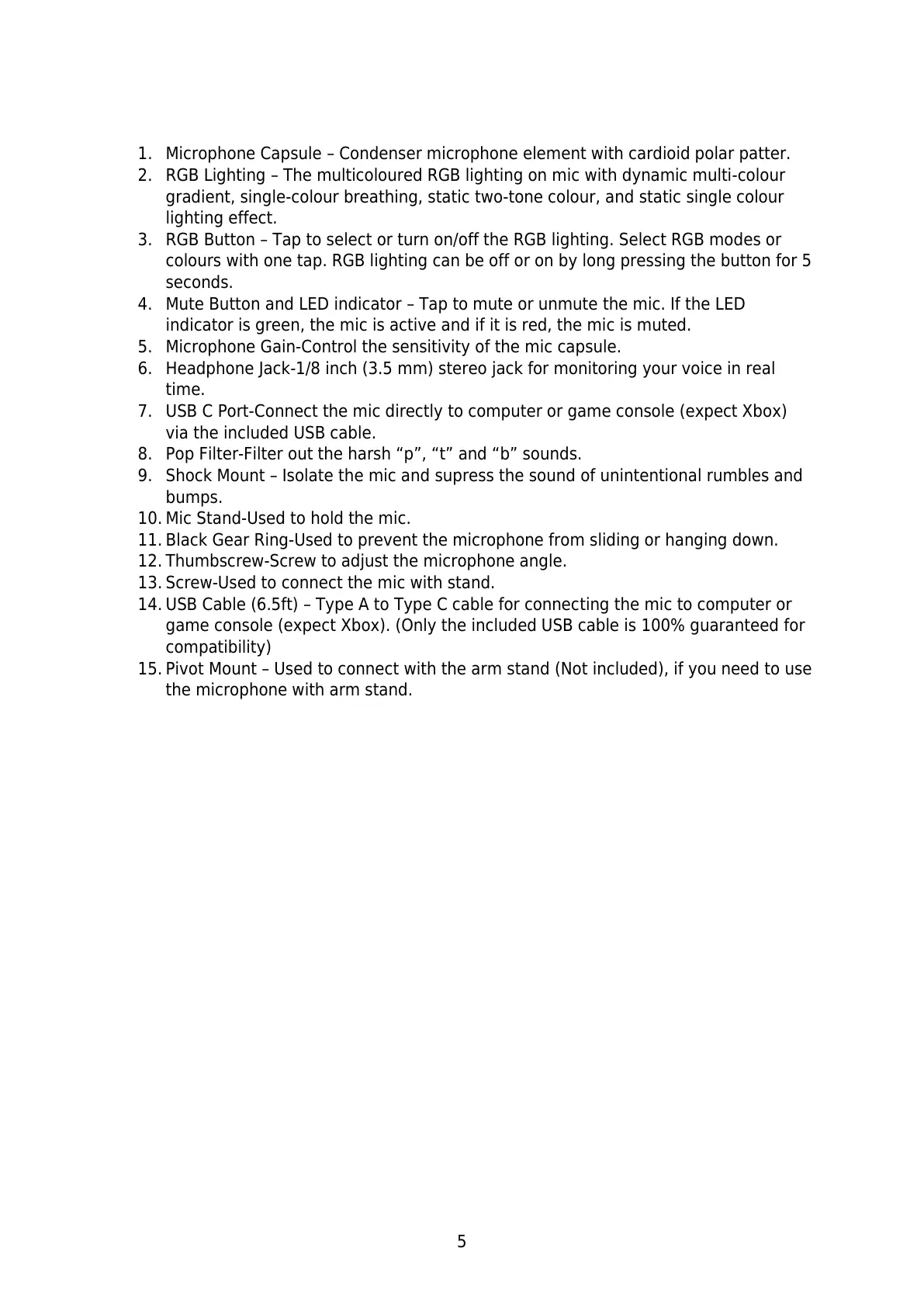
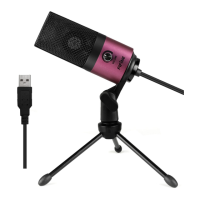
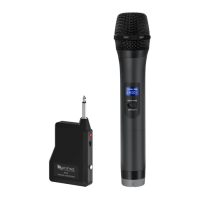
1. Microphone Capsule – Condenser microphone element with cardioid polar patter.
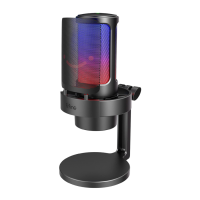
2. RGB Lighting – The multicoloured RGB lighting on mic with dynamic multi-colour
gradient, single-colour breathing, static two-tone colour, and static single colour
lighting effect.
3. RGB Button – Tap to select or turn on/off the RGB lighting. Select RGB modes or
colours with one tap. RGB lighting can be off or on by long pressing the button for 5
seconds.
4. Mute Button and LED indicator – Tap to mute or unmute the mic. If the LED
indicator is green, the mic is active and if it is red, the mic is muted.
5. Microphone Gain-Control the sensitivity of the mic capsule.
6. Headphone Jack-1/8 inch (3.5 mm) stereo jack for monitoring your voice in real
time.
7. USB C Port-Connect the mic directly to computer or game console (expect Xbox)
via the included USB cable.
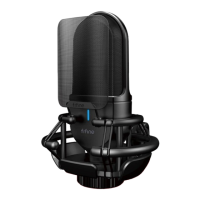
8. Pop Filter-Filter out the harsh “p”, “t” and “b” sounds.
9. Shock Mount – Isolate the mic and supress the sound of unintentional rumbles and
bumps.
10. Mic Stand-Used to hold the mic.
11. Black Gear Ring-Used to prevent the microphone from sliding or hanging down.
12. Thumbscrew-Screw to adjust the microphone angle.
13. Screw-Used to connect the mic with stand.
14. USB Cable (6.5ft) – Type A to Type C cable for connecting the mic to computer or
game console (expect Xbox). (Only the included USB cable is 100% guaranteed for
compatibility)
15. Pivot Mount – Used to connect with the arm stand (Not included), if you need to use
the microphone with arm stand.


 To Next Page