9
Mute Button Operation
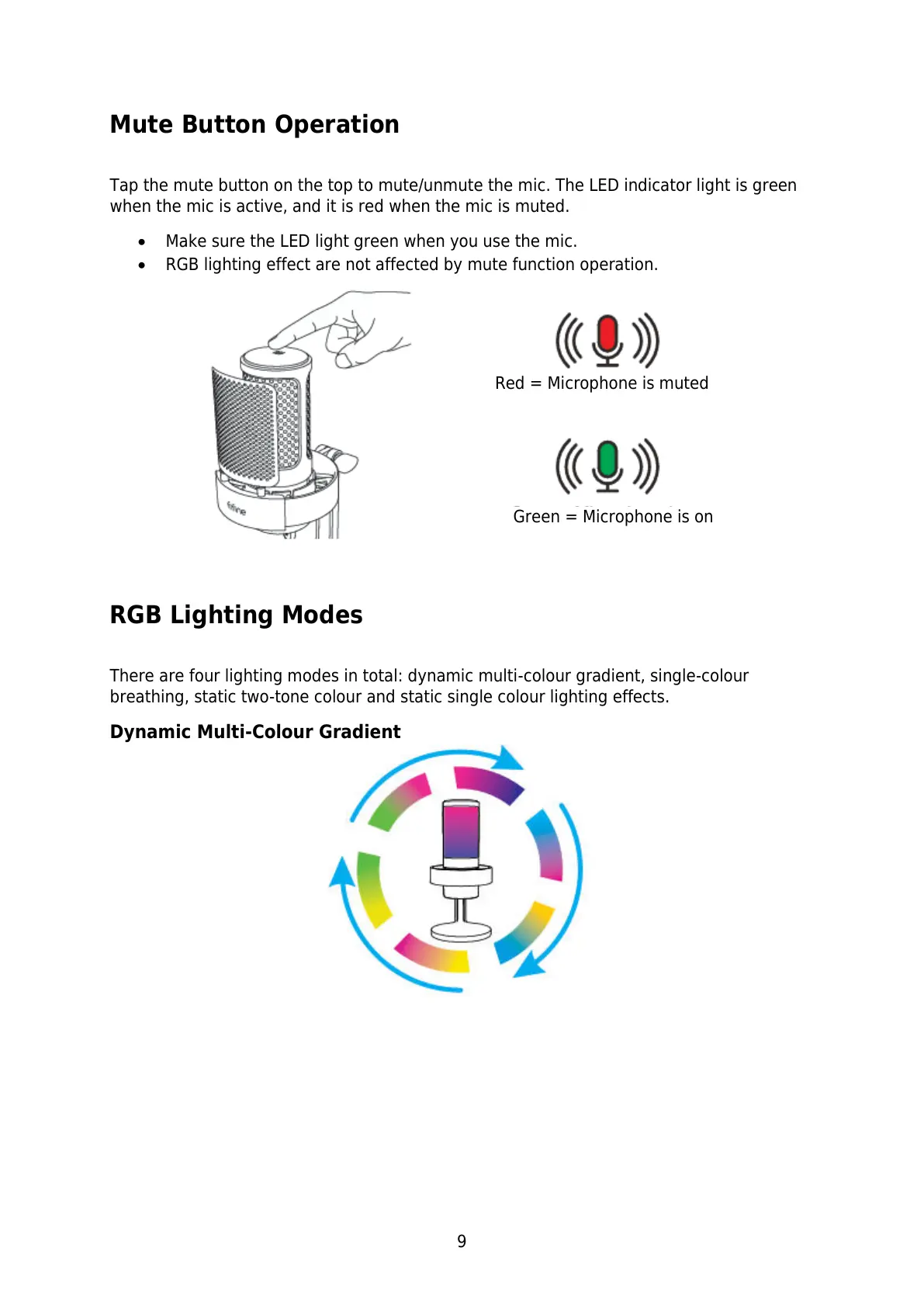
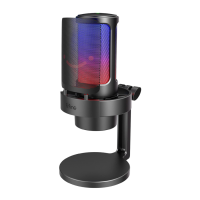
Tap the mute button on the top to mute/unmute the mic. The LED indicator light is green
when the mic is active, and it is red when the mic is muted.
Make sure the LED light green when you use the mic.
RGB lighting effect are not affected by mute function operation.
RGB Lighting Modes
There are four lighting modes in total: dynamic multi-colour gradient, single-colour
breathing, static two-tone colour and static single colour lighting effects.
Dynamic Multi-Colour Gradient
Red = Microphone is muted


 To Next Page