8
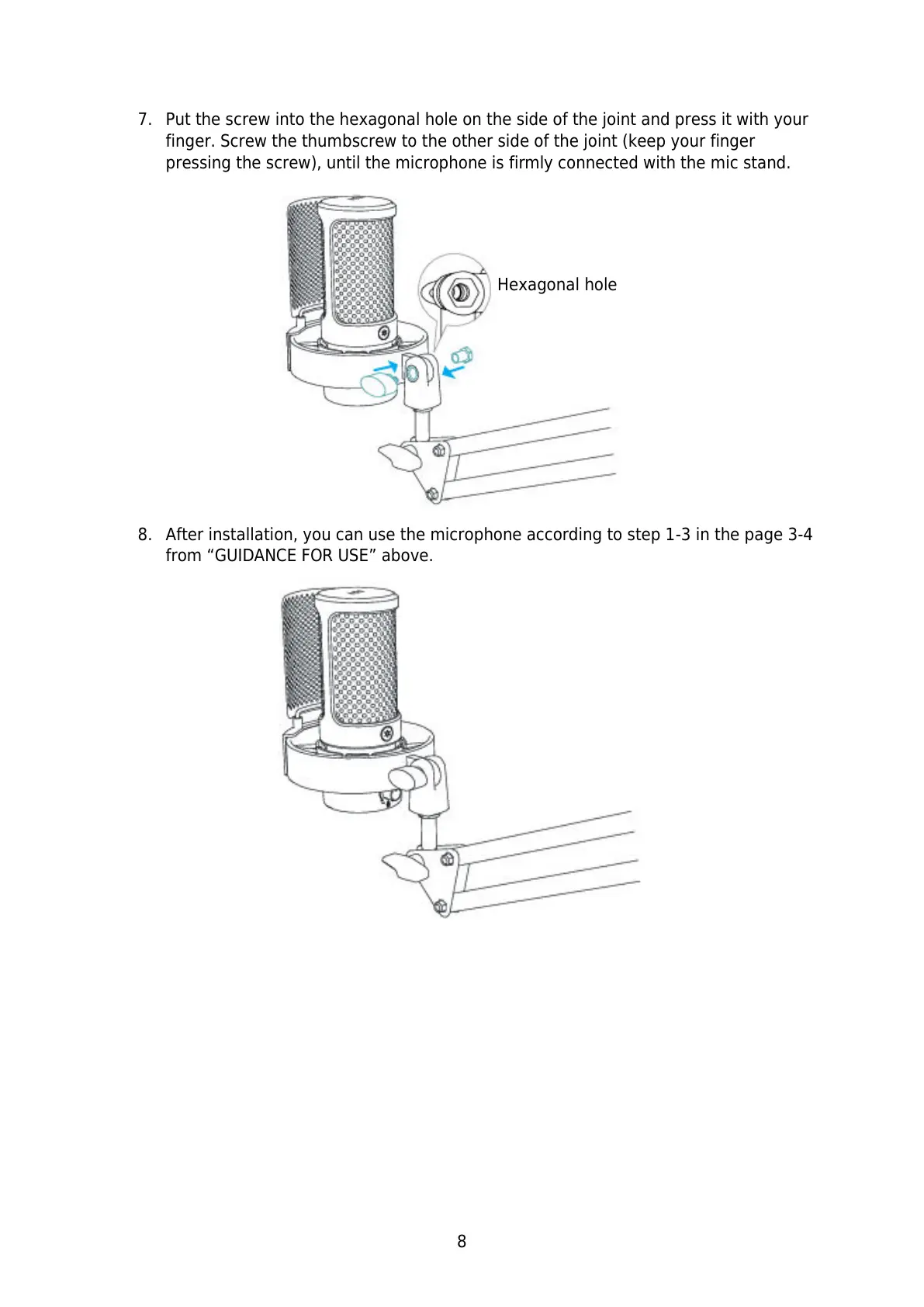
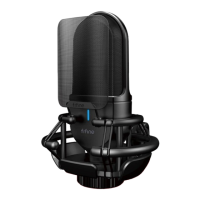
7. Put the screw into the hexagonal hole on the side of the joint and press it with your
finger. Screw the thumbscrew to the other side of the joint (keep your finger
pressing the screw), until the microphone is firmly connected with the mic stand.
8. After installation, you can use the microphone according to step 1-3 in the page 3-4
from “GUIDANCE FOR USE” above.


 To Next Page