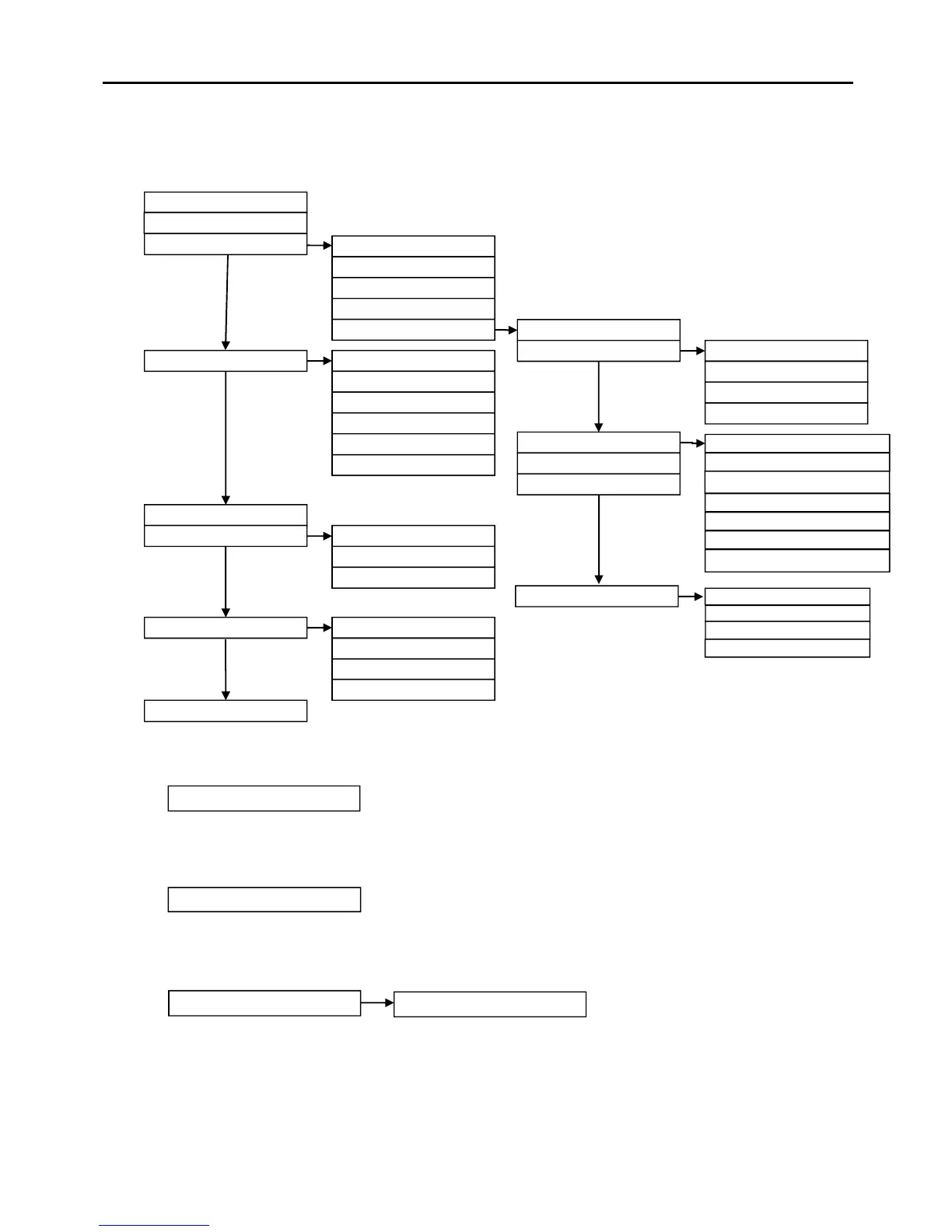
Access Level 2B (Supervisor): Controls Enabled LED flashing slowly
At Access Level 2B (Supervisor), the main Fire Alarm Controls are enabled, and the following
System Controls are accessible:
1. Delay On/Off
The Delay On/Off function allows pre-configured time delays to be over-ridden or re-instated
manually as required, ie, if sounder operation within a chosen area is programmed to operate
after a time delay, then this delay may be removed or replaced using this function.
2. Test Display
The Test Display function causes the panel LEDs to illuminate, the LCD screen to blacken
and the panel buzzer to sound in order to verify their correct operation.
3. View Logs 1. Current Warnings
The Active Warnings Log will display any current warnings. These are displayed in text format
and may be scrolled through by pressing the UP and DOWN keys.
1. Delay On / Off
3. Manual Call Point with sounder
5. By Date
2. Current Faults
3. Current Disablements
4. Current Tests
5. Event Logs
4. Disable / Enable 1. Detection Zone
2. Device
3. Sounders
4. Fire Outputs
5. Fault Outputs
5. Set Time & Date
6. Test Modes
7. Day / Night Mode
1. Silent Test
2. Local Audible Test
1. Override into Day Mode
2. Override into Night Mode
3. End all Overrides
3. System Test
4. View Day / Night settings
8. Find Device



 To Next Page