Installation and Operation Manual FVA-IP Camera
16 P/N 06-523 (Rev. 6) Revision Date: June, 2019
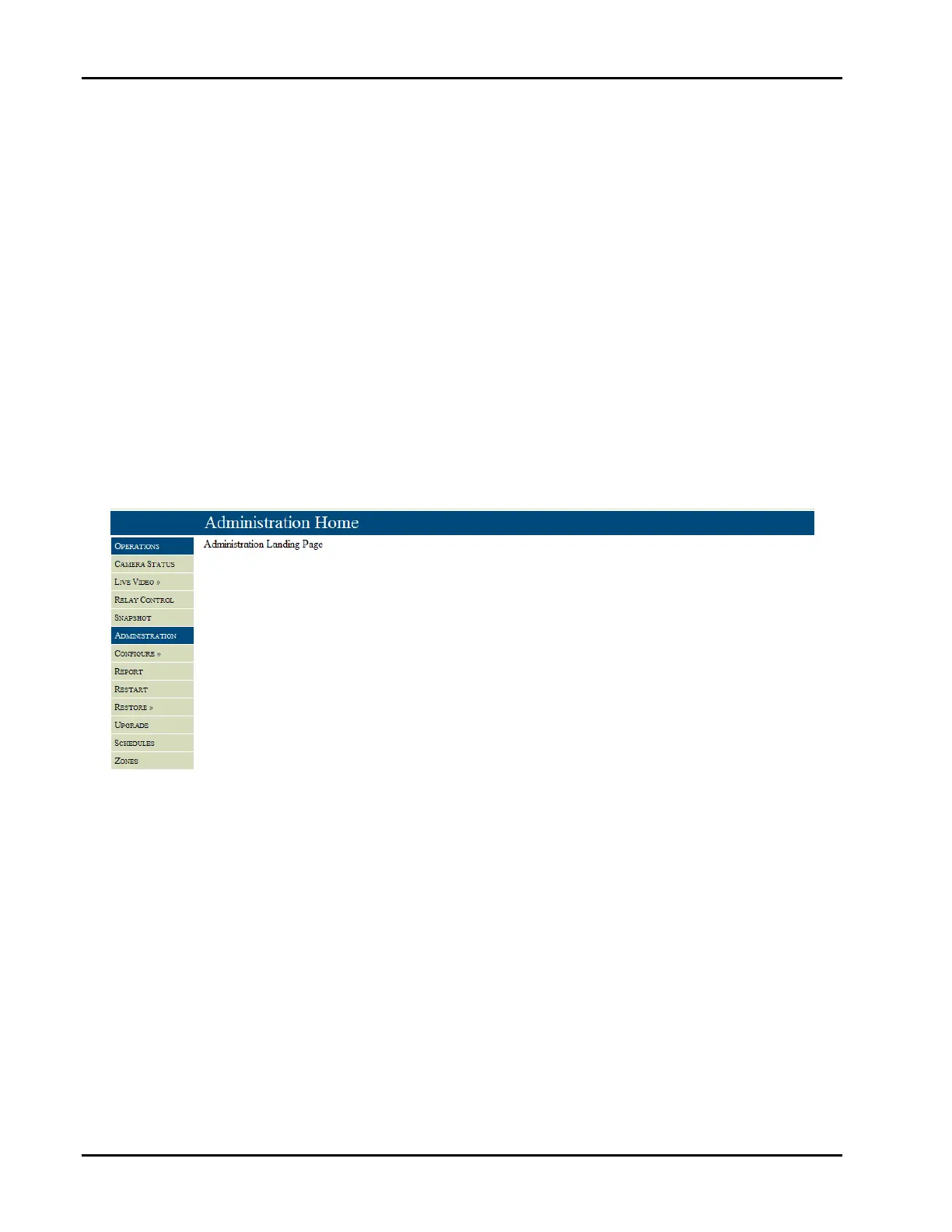
OnceyouhaveenteredintheusernameandpasswordtheAdministrationHomepagewillappear,Figure8.Youare
nowconnectedtotheFVA‐IPcameraandconfigurationofthesettingcancommence.Thepageisbrokenintotwo
sections;oneforanoperatortheotherfortheadministrator.Althoughtheoperatorfeaturesarepresent,itis
suggestedthatallmonitoringbytheoperatorbedoneusingtheFikeVideoAnalyticsvideomanagementsoftwareor
thehostfirealarmpanel.Bothsections,administratorandoperator,aresecuredfromtheotherbyausernameand
password.Thefactorydefaultusernameandpasswordforeachsectionis:
Operatorsection: UserName:operator
Password:axonx
Administratorsection UserName:admin
Password:axonx
Thesepasswordscanbechangedbytheadministratorintheadministrationsectionunderconfigure>accesscontrol.
Theoperatorhasaccesstothecamerastatus,livevideo,relaycontrolandsnapshotfeatures.Theadministratorcan
configurethecameraincludingschedulesandzones,printareportoftheconfiguration,aswellasrestartandupdate
theFVA‐IPcamera.Eachofthesefeatureswillbediscussedinthefollowingsections.
Fig8–AdministrationHomepage


 To Next Page