altitude ≤30m distance≥10m
Distance
Smart Track
Smart Track is supported only in GPS mode. The user can choose Trace, Profile, or Lock in the App
menu. The drone will trace the subject chosen at the App interface at a distance.
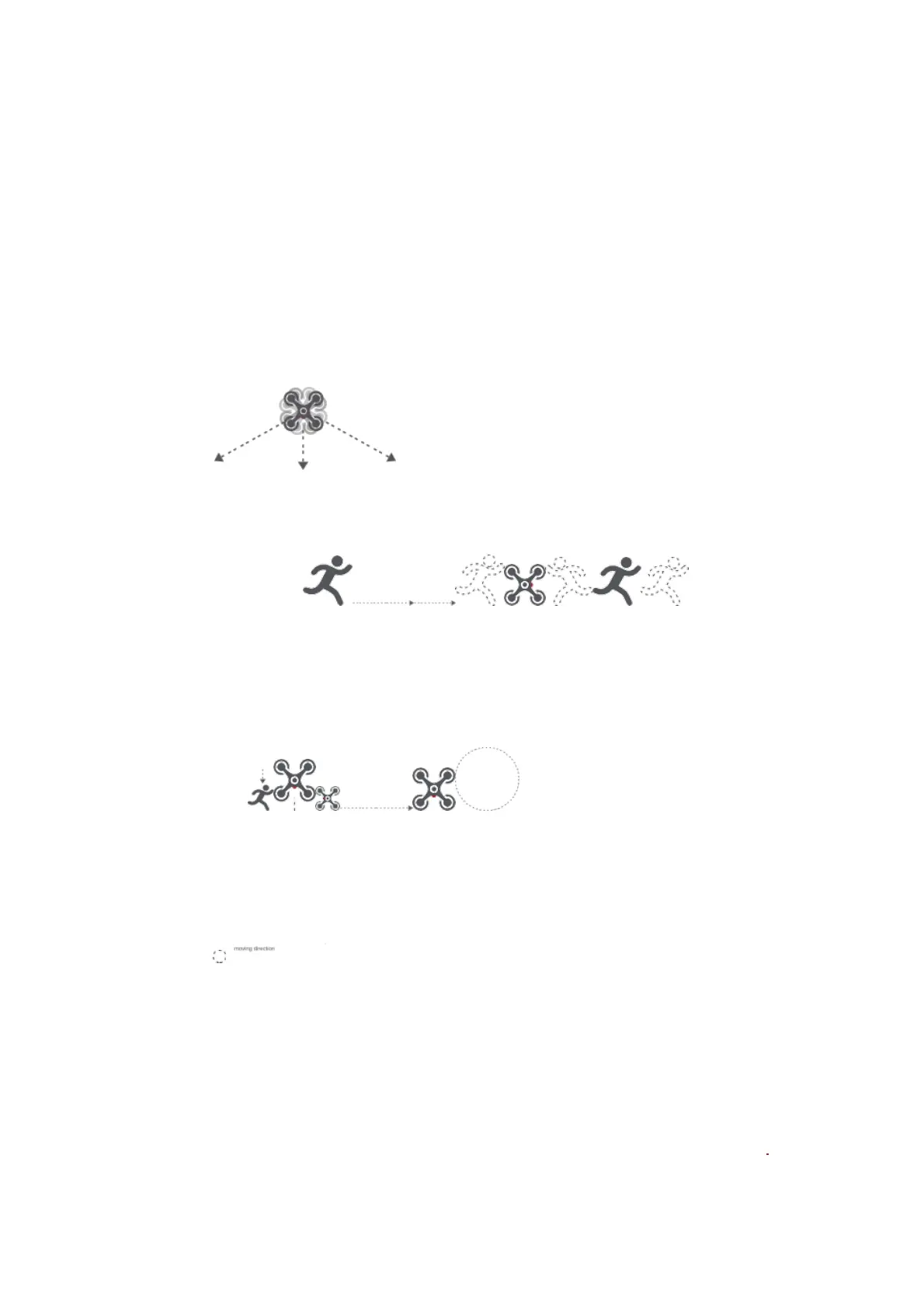
In Trace mode, the heading will always lock at the target and trace it from the back at a distance.
In Lock mode, the drone will hover at a place if flight speed is 0, following the target 360°. The
user can also adjust flight speed, and the drone will fly around the target at a certain distance.
flight speed =0m/s
camera tracking 360°
heading moving direction
In Profile mode, the heading will always lock at the target and trace it from the side at a distance.
flight speed = 0m/s
drone moving direction
heading
Note: In Smart Trace, users should always make sure to avoid people, animals and obstacles in the
tracking path to ensure the flight safety. Users should comply with local laws and regulations when
using the function.
Orbit
The user can select Orbit mode in the App. when a central point and a radius are set, the drone
will fly around the central point at a default speed. If a point of interest is set, the camera will be
locked at the POI.
Fly to a central point to set the central point Fly away from the central point to set radius
Set flight speed, move direction and heading. If the heading is free,the user can drag a rectangle



 To Next Page