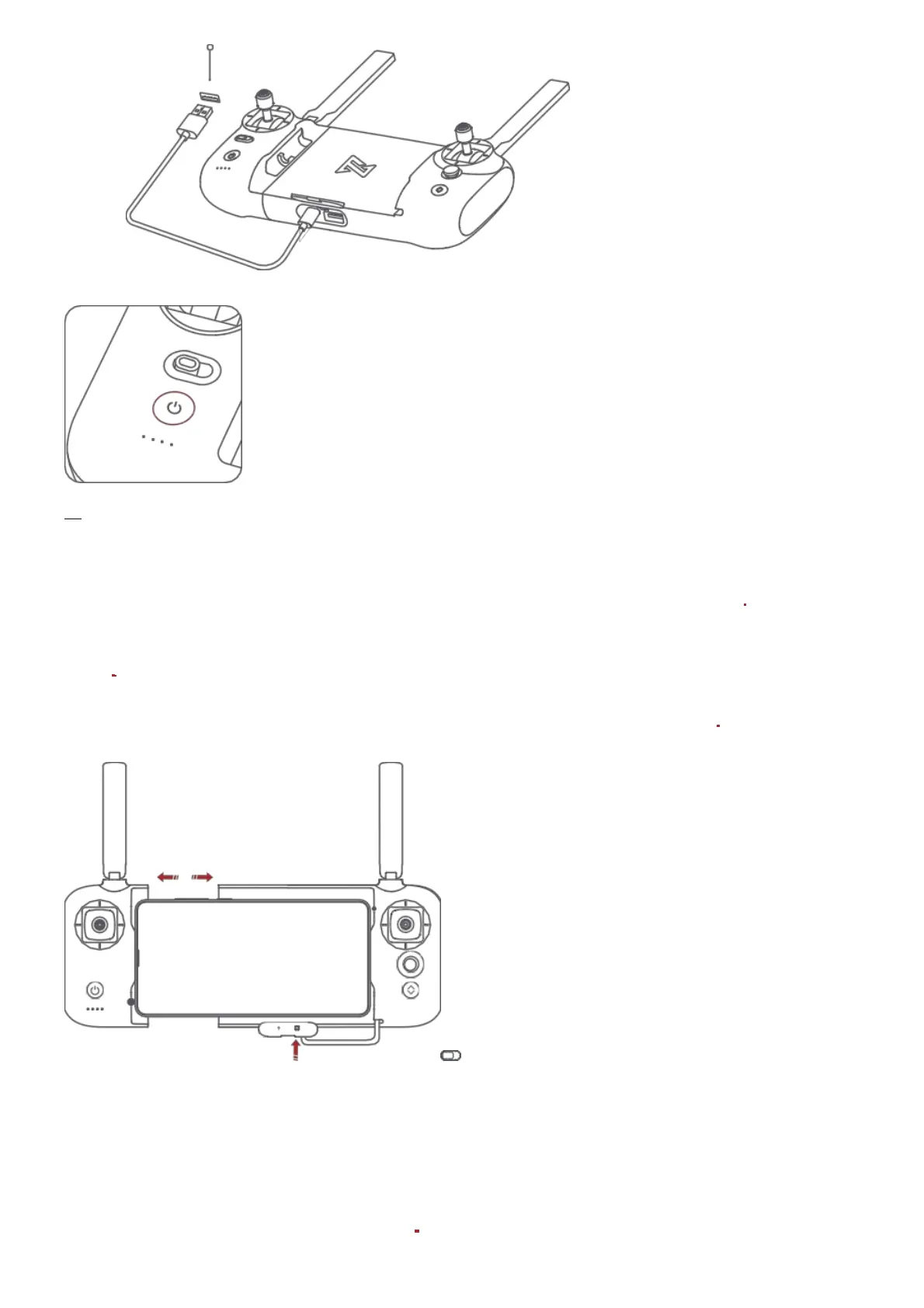
5V 2A
Assemble Device Shooting and Recording
Tighten the mobile or pad on mobile device holder by extending the holder to the left.
Open the interface protection cover on the RC bottom. Connect your phone and the RC with a USB
cable.
Connect the drone and update firmware according to instructions in Fimi Navi app.
Note: The cable slot is reserved on the right side of the RC.
Press the shoot button to take a photo. A photo is taken when you hear 2 short sounds.
Press the record button to record video. Recording starts when you hear 2 short sounds. Press
again to stop recording with 4 short sounds.



 To Next Page