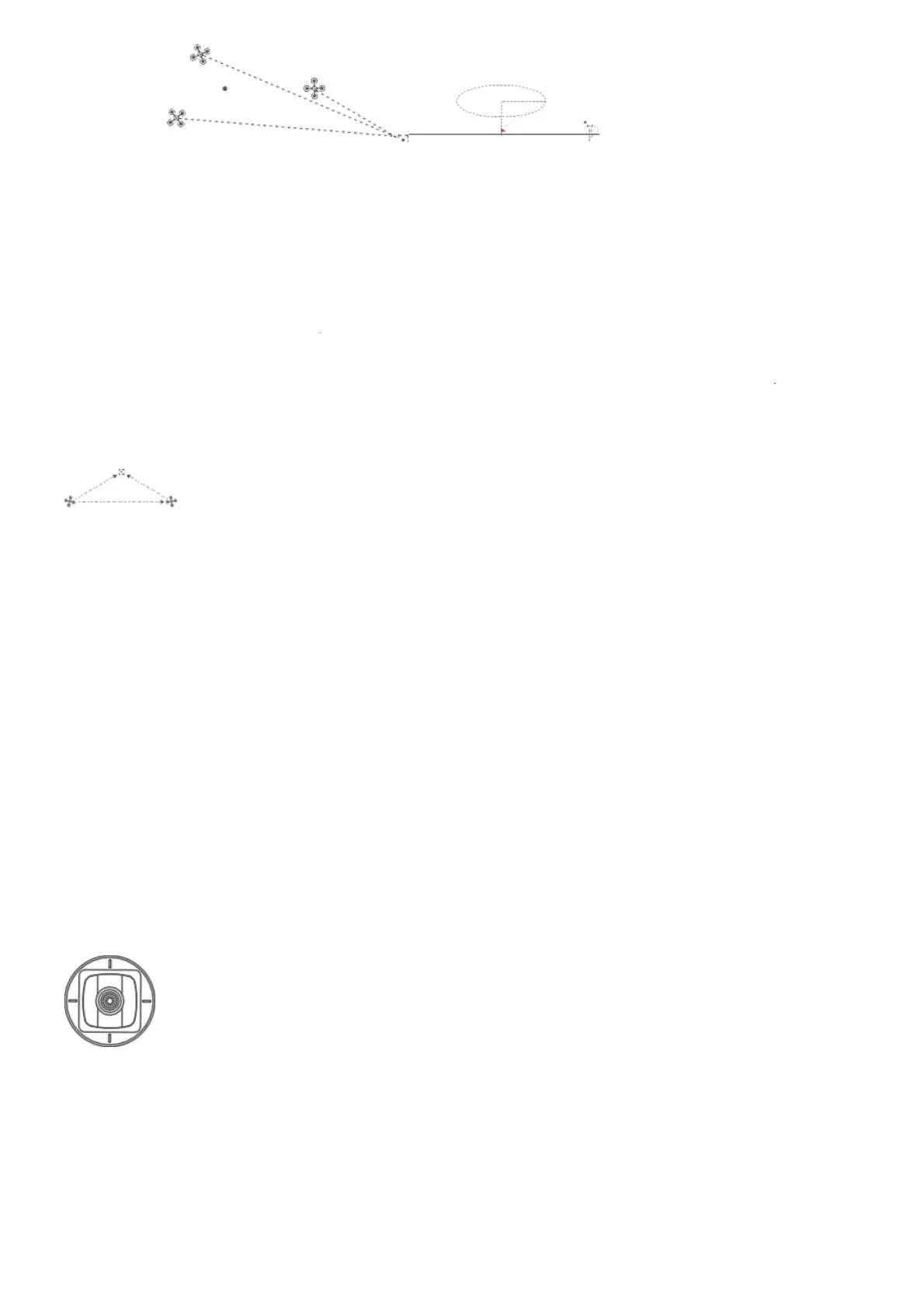
around a POI
Tap-fly
The user can select Tap-fly in the App. Tap map to choose a destination and set flight speed, the
drone will fly over there at a default speed in a straight line. If a point of interest is set, the
camera will be locked at the POI
Tap map to choose a destination
Switch to image interface to drag a rectangle around the POI Set flight altitude and speed
POI
drone destination
Central point
If sticks are moved in flight, the flight altitude or radius will be changed. Taking Mode 2 as
example:
Dronie
The user can select Dronie,including Rocket and Invert,in the App. In Rocket mode, the drone flies
upward with the camera pointing downward at the subject to shoot a video. In Invert mode, the
drone flies backward and upward
Counter- clockwise
Ascend
Descend
Radius zoom out



 To Next Page