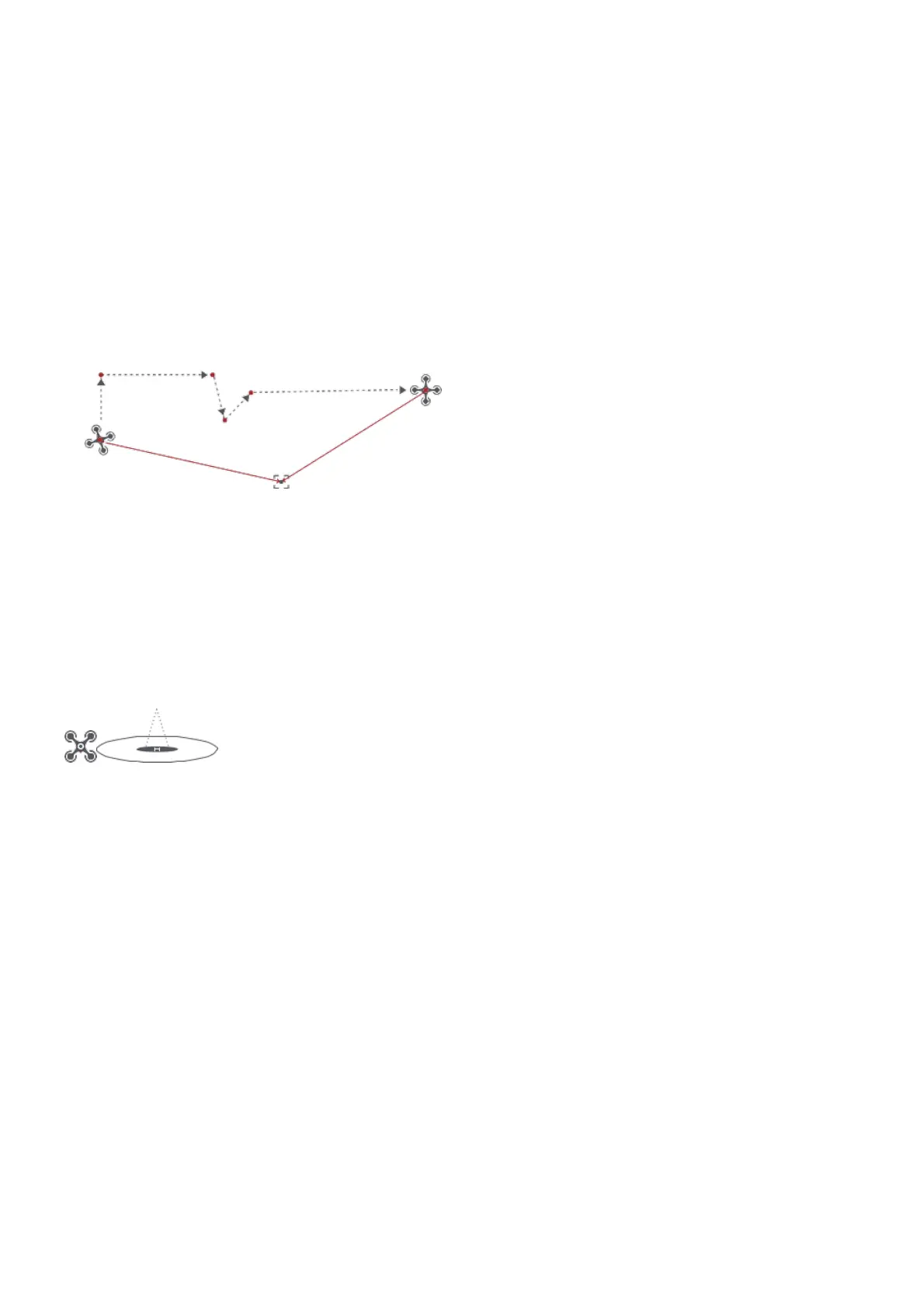
Choosing points on the map
1. tap map to add waypoint
2. set waypoint attribute, including flight altitude, action at the destination, rotate direction
3. drag the POI icon to the map, and set its a;titude and relate waypoints
4. when all waypoints ready, please set flight speed, failsafe action, and action at the destination
5. POI is enabled when executing waypoints
Historical routes
1. preview the waypoints and its attribute by entering Favorite list
2. tap to start and show the real-time waypoints trace Waypoint
POI
Precise Landing
In the process of Return to Home, the optical flow sensor will match landing pad features above
the home point. Once matched successfully, the drone will land on the landing pad precisely.
Note: Please enable precise landing in the app before use it.
Fix-wing Mode
In Fix-wing Mode, the drone can only fly forward, not backward. The user can use sticks to control
flight speed and course as showed below (America Mode).



 To Next Page