44
15 TOUCH SCREEN DRAWBACKS
For the following drawbacks, please, contact technical service in order to perform tests and
find out causes.
Screen red-black-
white color
Electrical parts disconnected
Electromagnetic fields
Display under mechanical pressure
Spikes surge
Icons do not react to
commands
or
Icons execute
commands other
than
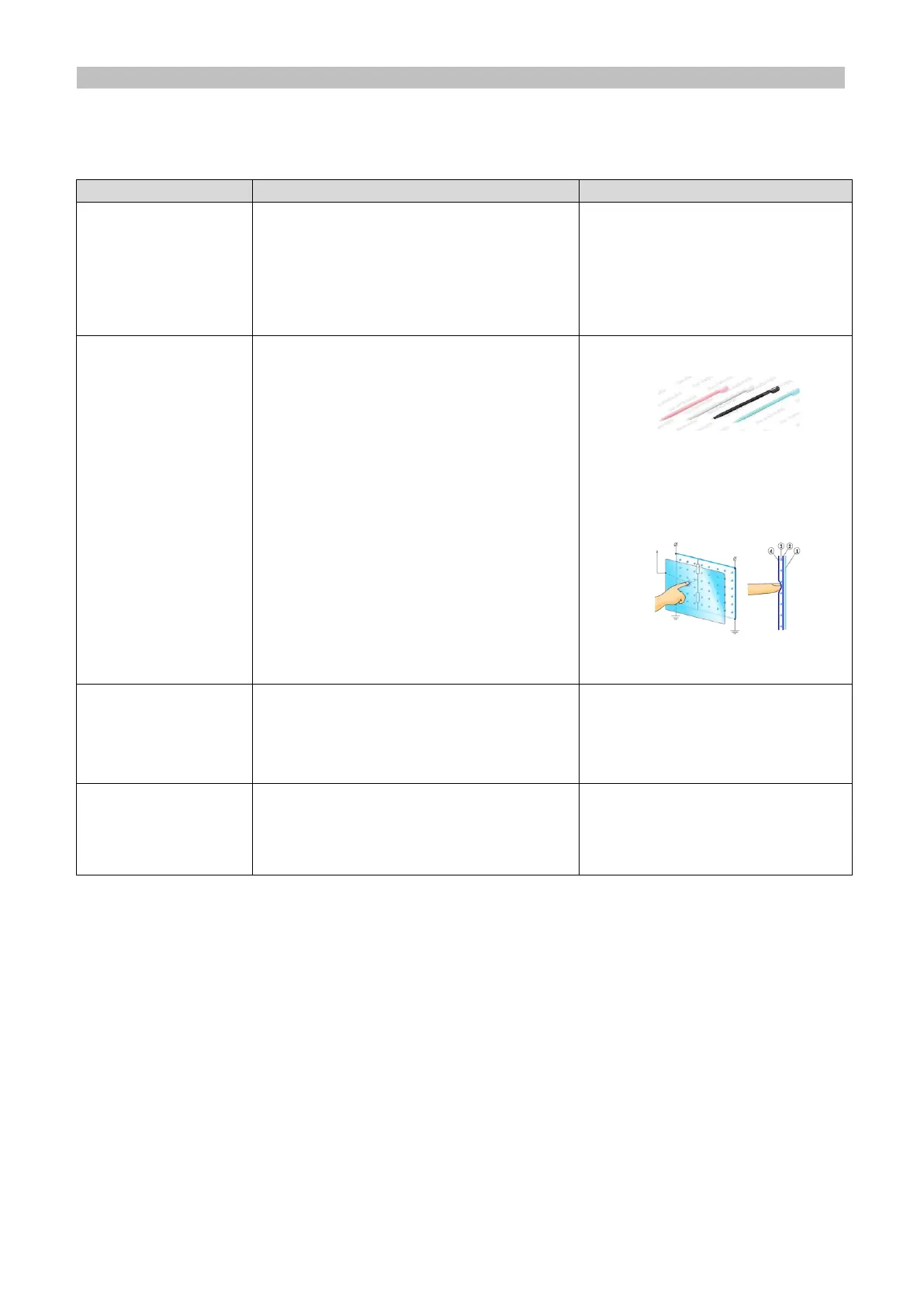
Improper use of screen with pens
and pins, screen marked or spoiled
Unbalanced screen
Display under mechanical pressure
Use stylus for touch screens
Contact service
Touch screen does not
support multi touch, it does
not recognize contemporary
events.
System stuck in
“starting system”
mode
O.S. files damaged by power
surges
Electrical or mechanical problem
Use the supplied key for
unlock (Par.5.2.6) and
contact service


 To Next Page