Value shown on the display
P1 value = Suction pressure
P2 value = Mid-coil temperature (condenser)
P3 value = Discharge line temperature
P4 value = Vapour inlet EVI
P5 value = Vapour outlet EVI
P6 value = Ambient temperature
P7 value = Not used in factory setting
Aou value = Analog output
Table 9: Display visualisation
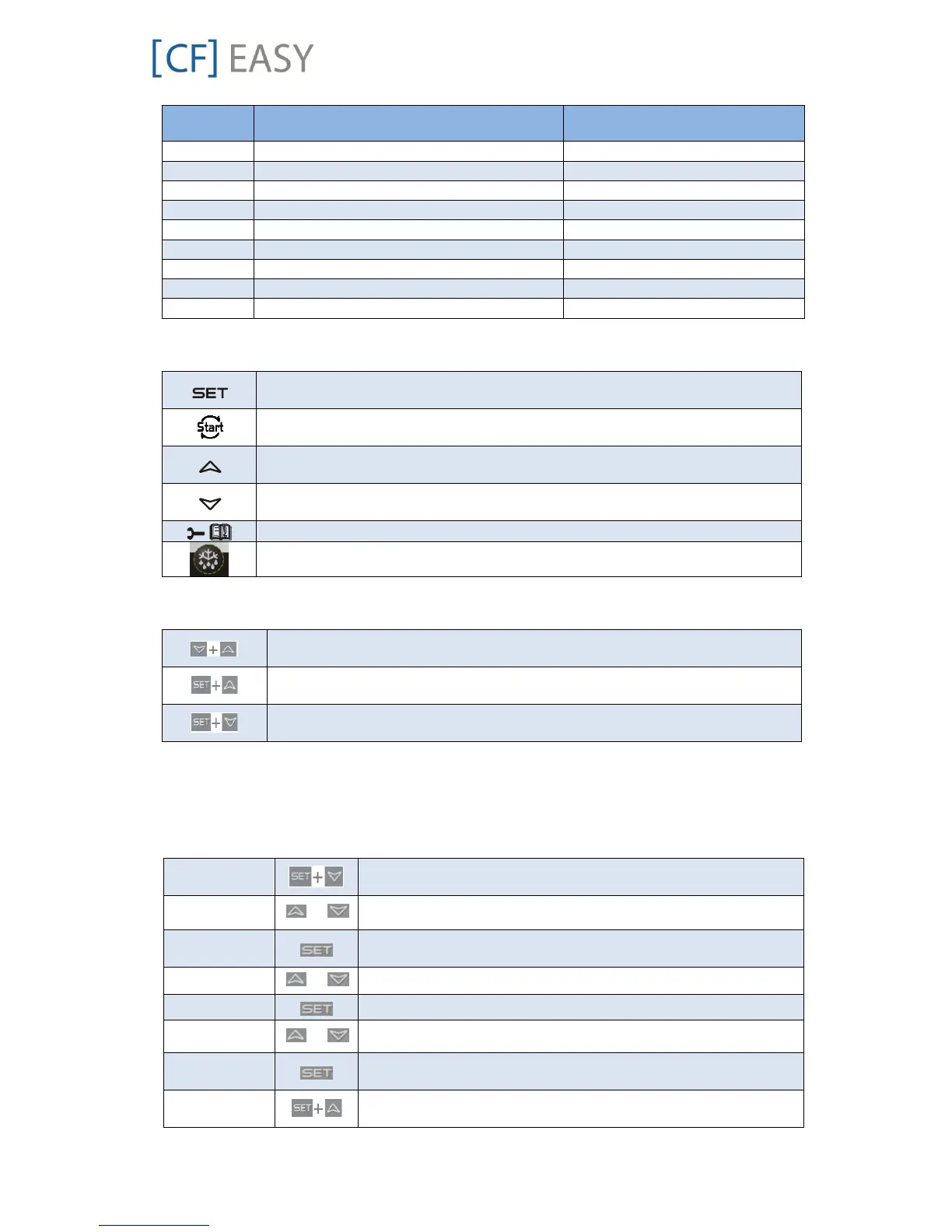
2.9.2 Single commands
Press the SET button to display the target setpoint. In programming mode, this
allows to select a parameter or to confirm an operation.
Press the RESET button and hold for 5 seconds to reset any lockouts if the
current state of the controller allows for it to be reset.
(UP) To view the fast access menu. In programming mode, this browses the
parameter codes or increases the displayed value.
(DOWN) In programming mode, this browses the parameter codes or decreases
the displayed value.
(SERVICE) To enter the service and alarm menu.
Hold for 3 seconds to start a manual defrost or terminate an active defrost.
Table 10: Single commands
2.9.3 Double commands – Entering programming level 1 “Pr1”
Press simultaneously for about 3 seconds to lock (Pon) or unlock (PoF) the
keyboard.
Press simultaneously to leave the programming mode or menu. On submenus
rtC and EEV this combination allows to go back to the previous level.
Press simultaneously for about 3 seconds to access the first level of
programming mode.
Table 11: Double commands
The device provides 2 programming levels:
Pr1 with direct access
Pr2 protected with a password (intended for experts)
2.9.4 How to program the parameters (Pr1 and Pr2)
Press simultaneously for about 3 seconds to access the pre-
programming level. The message rtC (real time clock) appears.
Press the Up or Down key until the message PAR appears.
Press the SET button to enter the program level. First parameter
C01 appears.
Select the parameter or submenu using the arrows.
Use the arrows to modify the value.
Press the SET button: the value will blink for 3 seconds, then the
display will show the next parameter.
Press simultaneously to exit the programming mode, or wait
for 30 seconds (MTO) without pressing any key.
Table 12: Programming level 1 parameters

![FISCHER [CF] EASY](https://data.easymanua.ls/products/636208/200x200/fischer-cf-easy.webp)

 To Next Page