26
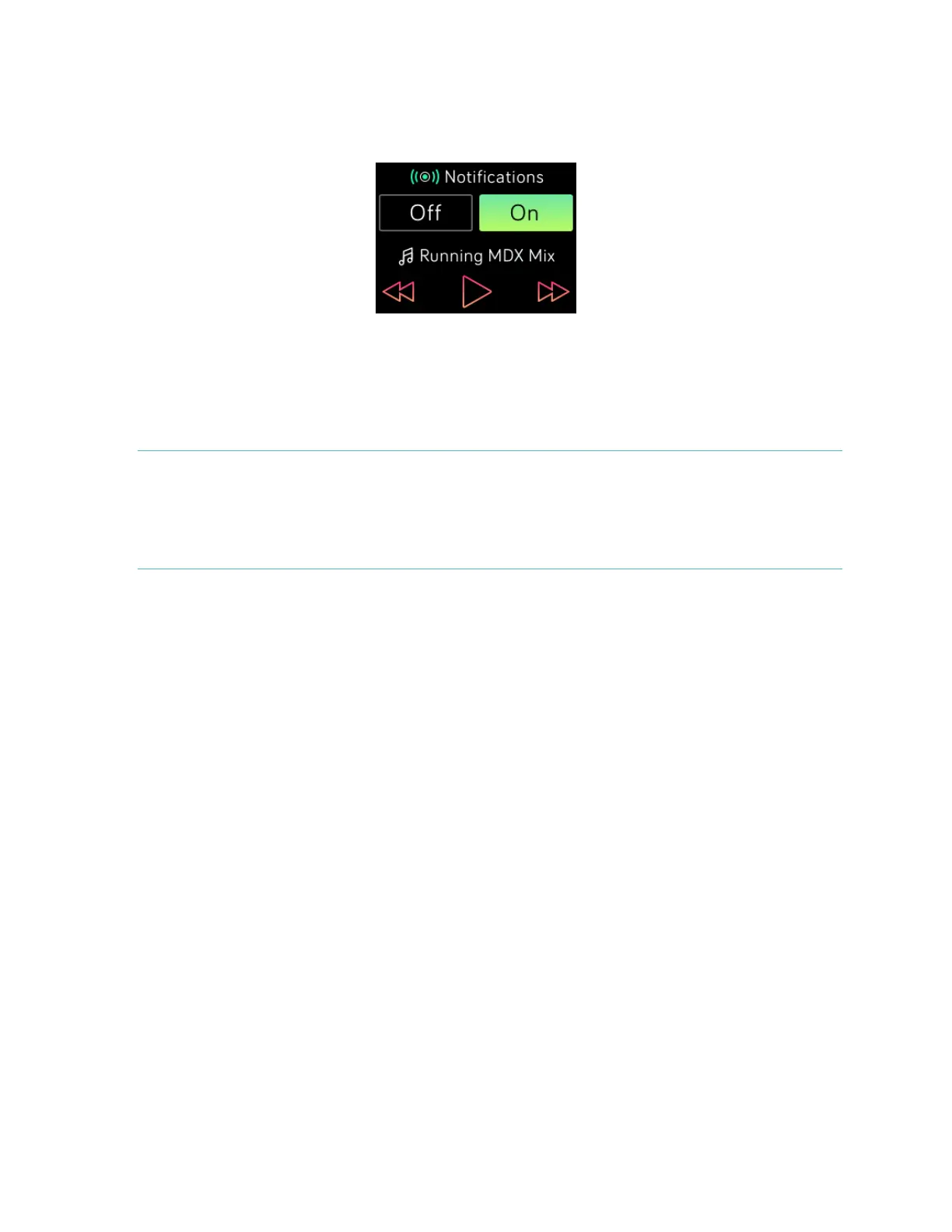
2. On your tracker, swipe down from the clock screen or hold the Action button
(upper right) to see information about the track currently playing. If the app
you’re using does not broadcast track information, it won’t appear on your
Blaze.
3. Use the icons to pause or skip songs. To control volume, use the Action (upper
right) and Select (lower right) buttons.
4. Press the Back button or swipe up to return to the previous screen.
NOTE: As with other Bluetooth devices, if you disconnect your “Fitbit Blaze” (iOS
users) or “Fitbit Blaze (Classic)” (Android and Windows users) so you can
connect another Bluetooth device, the next time you want to use it to
control music you’ll need to connect your tracker again in your Bluetooth
devices list.



 To Next Page