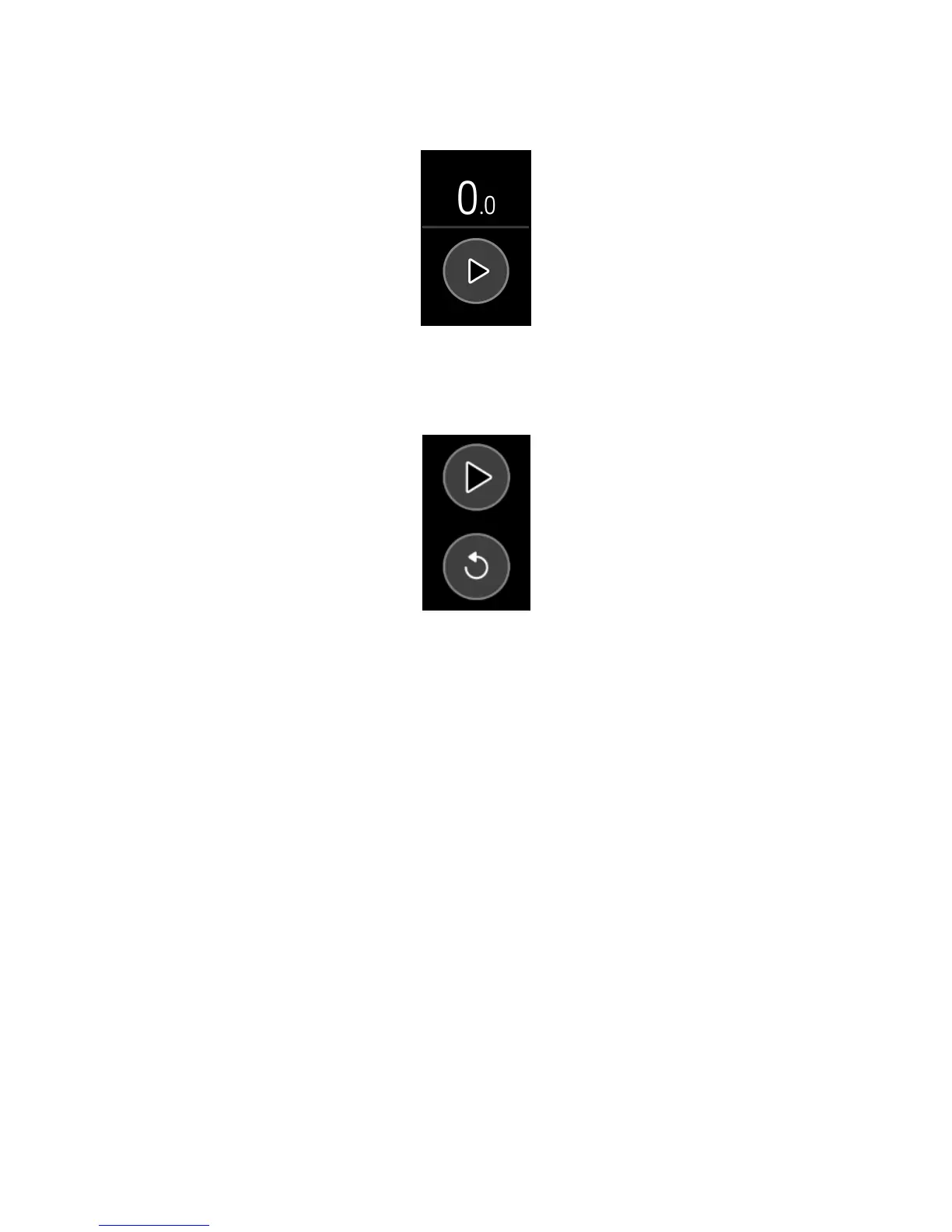
3. Tap the play icon to start the stopwatch.
4. Tap the pause icon to stop the stopwatch.
5. Swipe up and tap the reset icon to reset the stopwatch, or press the button to
exit.
Dismiss or snooze an alarm
When your silent alarm goes off, the tracker vibrates.
To dismiss the alarm, press the button. To snooze the alarm for 9 minutes, tap the
ZZZ icon.
Snooze the alarm as many times as you want. Charge 3 automatically goes into
snooze mode if you ignore the alarm for more than 1 minute.
27













 To Next Page