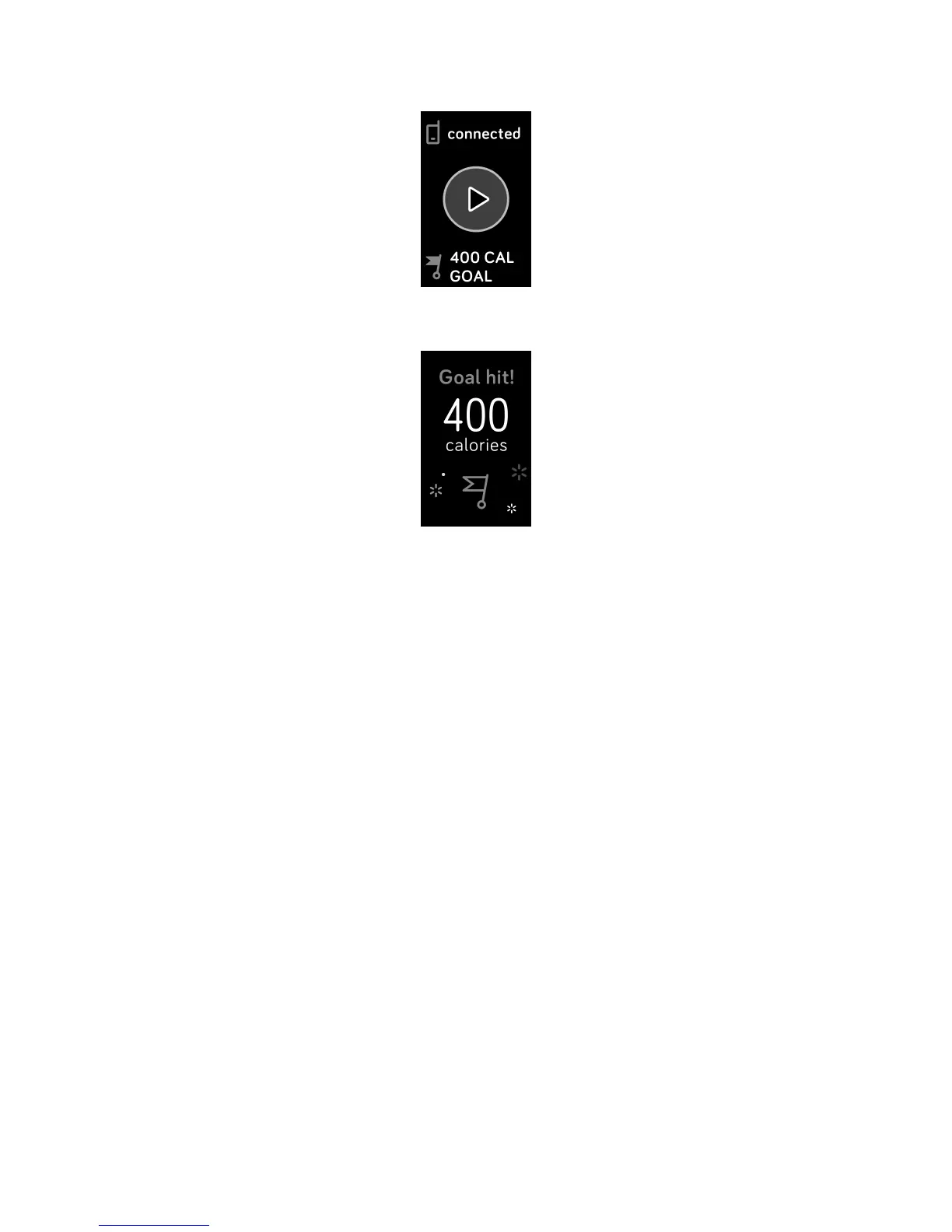
4. Charge 3 vibrates when you reach your goal.
Check your heart rate
Heart-rate zones help you target the training intensity of your choice. Charge 3
shows your current zone and progress toward your maximum heart rate next to
your heart-rate reading. In the Fitbit app, you can see your time spent in zones
during a particular day or exercise. Three zones based on American Heart
Association recommendations are available by default, or you can create a custom
zone if you have a specific heart rate you're targeting.
Default heart-rate zones
Default heart-rate zones are calculated using your estimated maximum heart rate.
Fitbit calculates your maximum heart rate with the common formula of 220 minus
your age.
40













 To Next Page