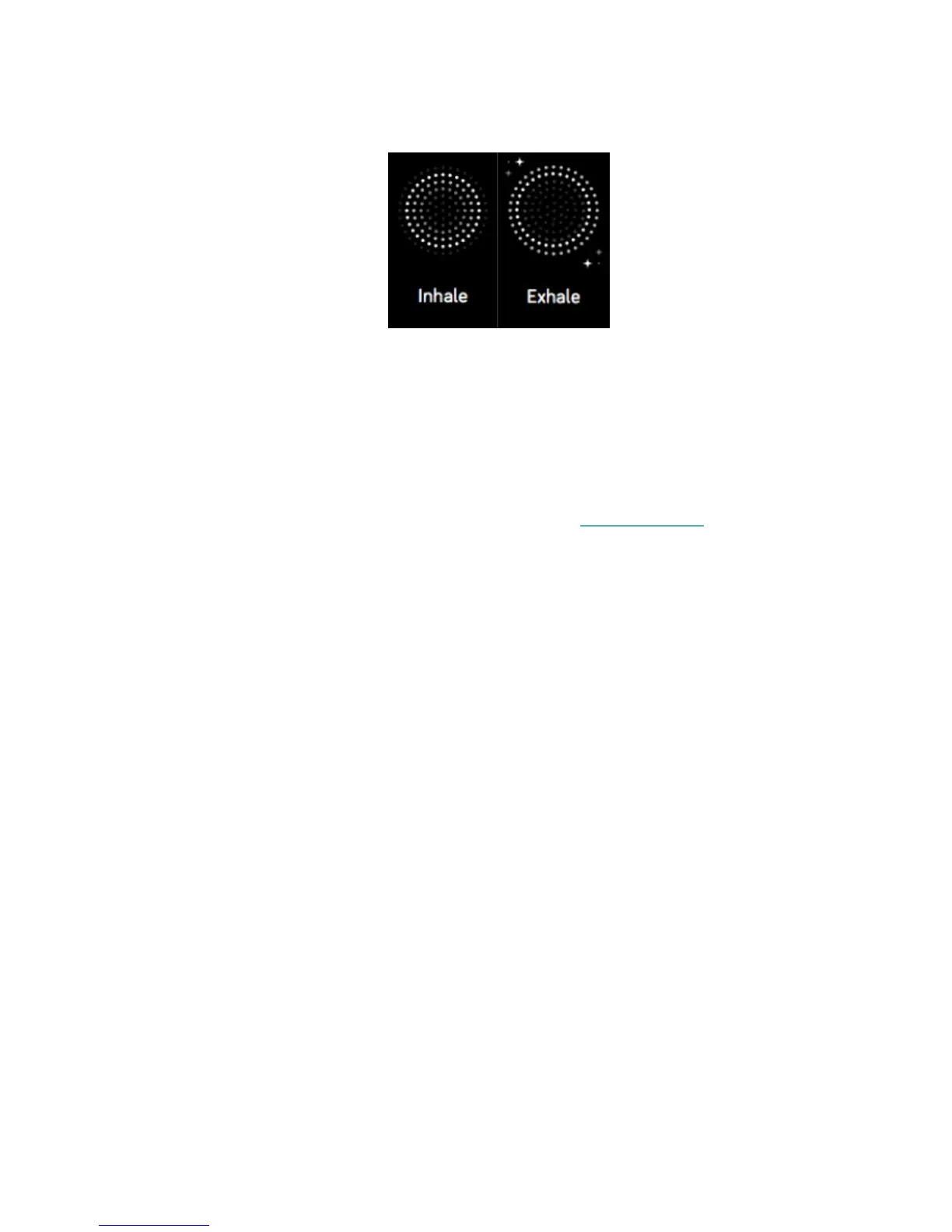
3. Tap the play icon to start the session and follow the on-screen instructions.
After the exercise, you'll see a summary that shows your alignment (how closely
you followed the breathing prompt), your heart rate at the start and end of the
session, and how many days you completed a guided breathing session this week.
All notifications are automatically disabled during the session.
For more information about guided breathing sessions, including the benefits of
practicing deep breathing and safety information, see help.fitbit.com.
34













 To Next Page