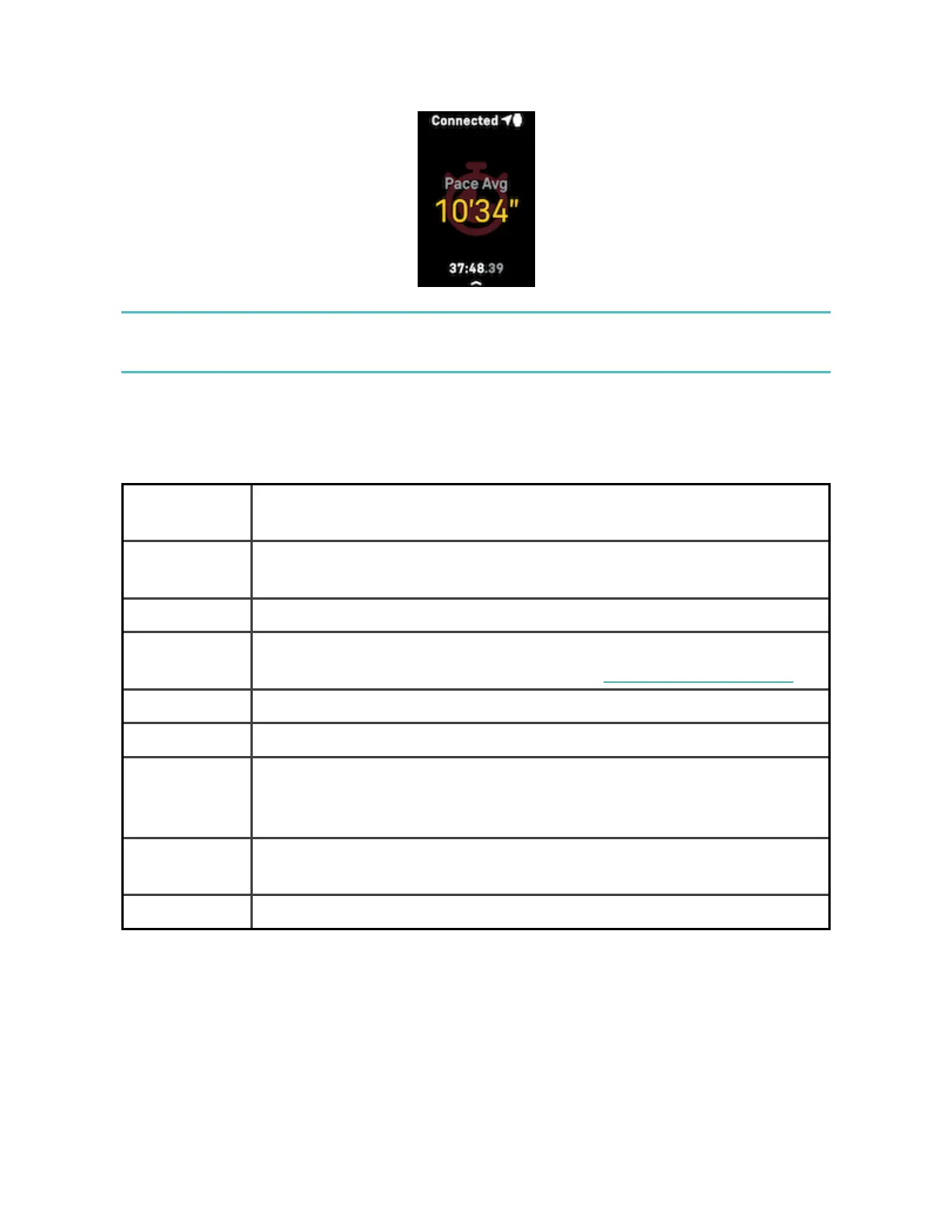
Using built-in GPSimpacts your tracker's battery life. If you use GPStracking
regularly, Charge 6 requires more frequent charging.
Customize your exercise settings
Customize settings for each exercise type on your tracker. Settings include:
Always-on
Display
Keep the screen on during exercise
Auto-Stop Automatically pause a run, walk, or bike ride when you stop
moving
GPS Track your route using GPS
Heart Zone
Notifications
Receive notifications when you hit target heart-rate zones during
your workout.For more information, see the related help article
Set Interval Adjust the move and rest intervals used during interval training
Pool Length Set the length of your pool
Run
/Walk/Bike
Detect
Automatically open the exercise app when your tracker detects a
run, walk, or bike ride.
Set Laps Receive notifications when you reach certain milestones during
your workout
Unit Change the unit of measurement you use for pool length
41












 To Next Page