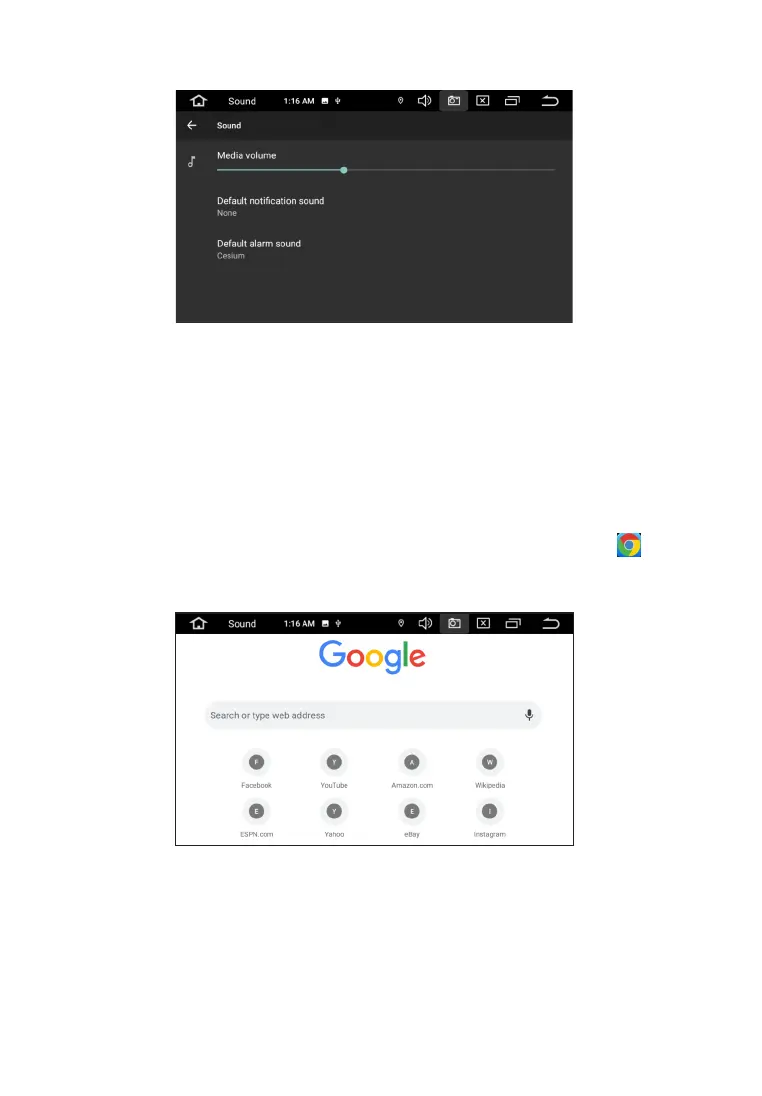
In addition, in the main settings of the device, by clicking on the "Sound" icon, the user can use the
option to set the media volume level. You can also set the desired sound of listening Notification
and Alarm sound.
W E B B R O W S E R
By default, the device has the Chrome browser installed. To launch the browser, tap icon
in the app menu. To use the browser, you must have an Internet connection via Wi-Fi or 3G/4G
(LTE).
21


 To Next Page