17
LIQUID-COUPLED HEAT EXCHANGER ECONET
®
Installation & Maintenance Manual
17
FläktGroup DC_9010GB 20180327_R0 Specifications are subject to alteration without notice
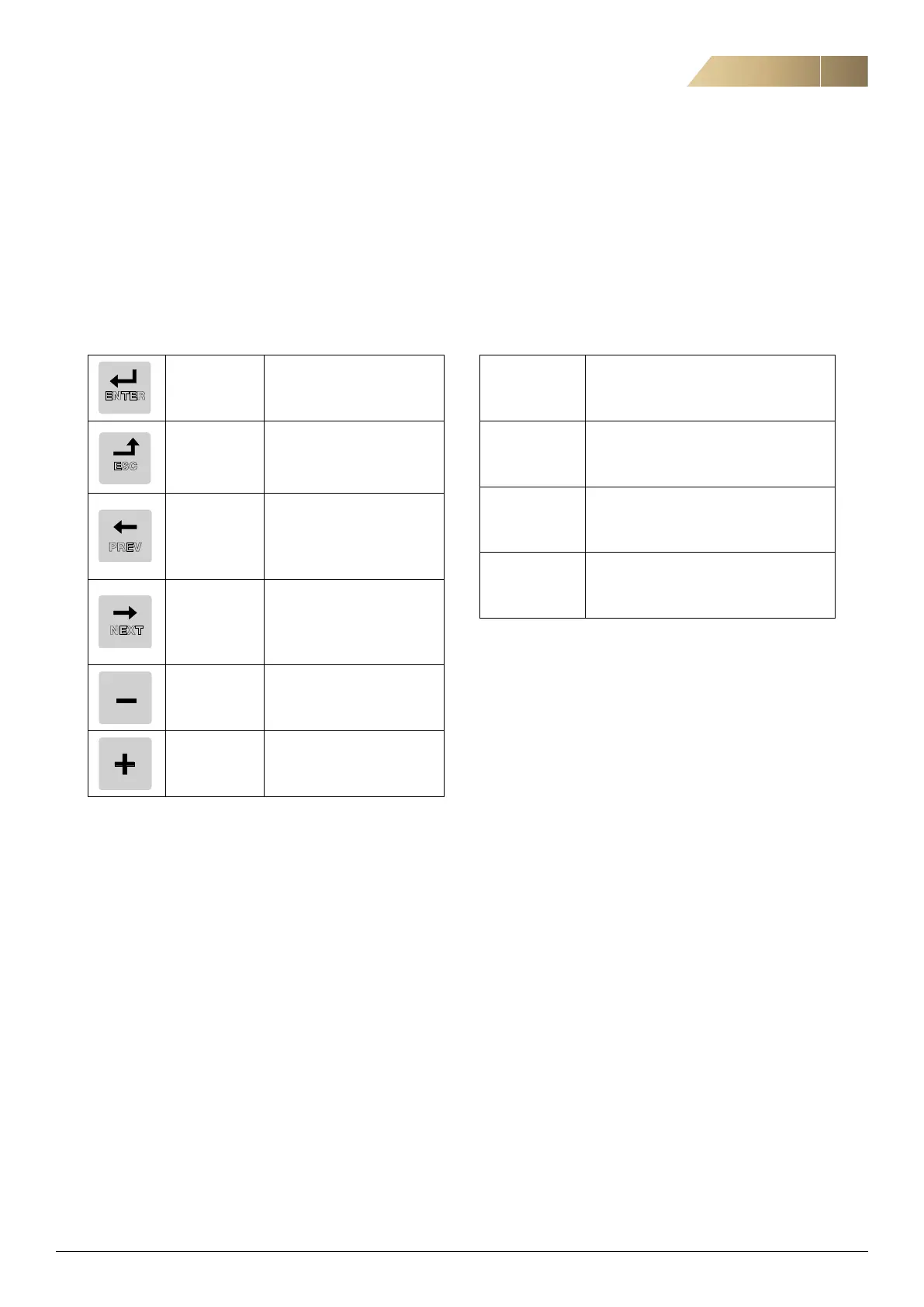
FUNCTION KEYS
The function keys operate the menus and are also used for
programming and read-outs of all the menu settings.
THE MENU STRUCTURE
The menu structure consists of 4 levels:
Note: If there are more than 10 menus within one level, the
numbering continues in alphabetic order.
ENTER key:
- step to a lower menu level
- confirm a changed setting
ESCAPE key:
- step to a higher menu level
- ignore a changed setting,
without confirming
PREVIOUS key:
- step to a previous menu
within the same level
- go to more significant digit
in edit mode
NEXT key:
- step to a next menu within
the same level
- go to less significant digit in
edit mode
- key:
- decrease a value
- change a selection
+ key:
- increase a value
- change a selection
PREV
NEXT
ESC
ENTER
Main Menu
1st level The first character in the menu number.
2nd level The second character in the menu number.
3rd level
The third character in the menu number.
4th level
The fourth character in the menu number.


 To Next Page