www.flammainnovation.comShenzhenFlammaInnovationCo.,Ltd
14
SelectPreset
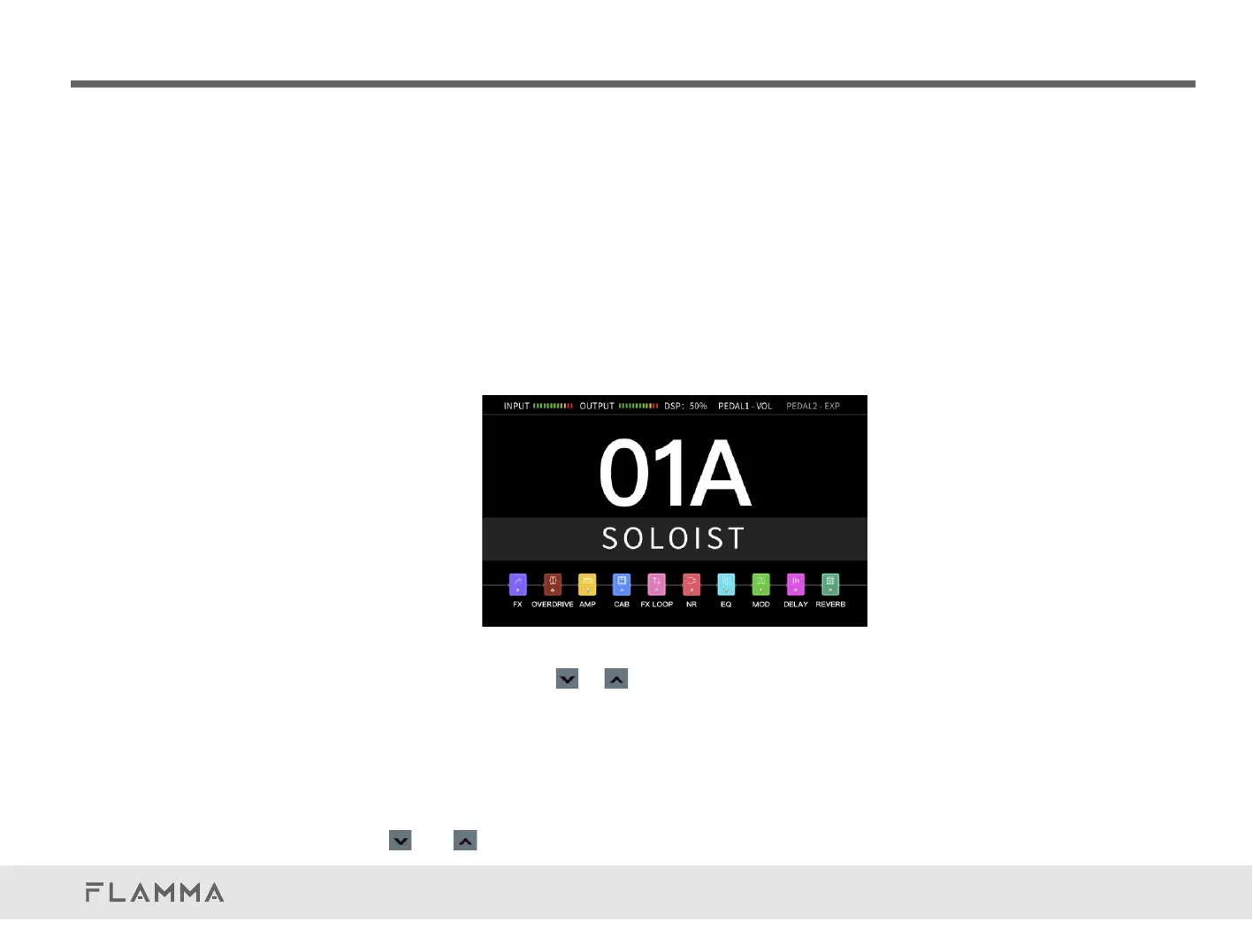
TheFX200has10effectsmodules.Userscanadjusttheorderoftheeffectschain,changemodule
type,editparameters,customizeexpressionpedalcontrols,Footswitch,andsavesettingsasa
presetpatchforuse.Thereare100presetbankswithtwopresetpatchesperbank,for200preset
patchesintotal.
Youcanadjustthepresetpatchviathefollowingmethodsbelow:
1.VALUEKnob
RotatetheVALUEtoswitchbetweenpresetpatches.
2.Footswitch
InNORMALmode,presstheorbuttonstoselectbetweenpresetpatches.ThePINKcursorwill
showcurrentlyselectedpresetpatch.TheBLUEhighlightedpresetbankisthecurrentlyselected
bank.Afterbankisselected,pressFootswitchAorFootswitchBtoselectapresetpatchfromthe
currentbankandquitthepresetmode.Youcanswitchbetweentwopresetpatchesinthesame
bankbypressingFootswitchAandFootswitchBdirectly.
Presstheandsimultaneouslytoquitpresetselectmodewithoutselectingpreset.
QuickTour



 To Next Page