www.flammainnovation.comShenzhenFlammaInnovationCo.,Ltd
16
PresetEditing
On/Off:Intheeditingpage,clicktoselectamodule,presstheVALUE,orclickonthepowerswitch
iconintheparameterpagetoturnon/offcurrentmodule.
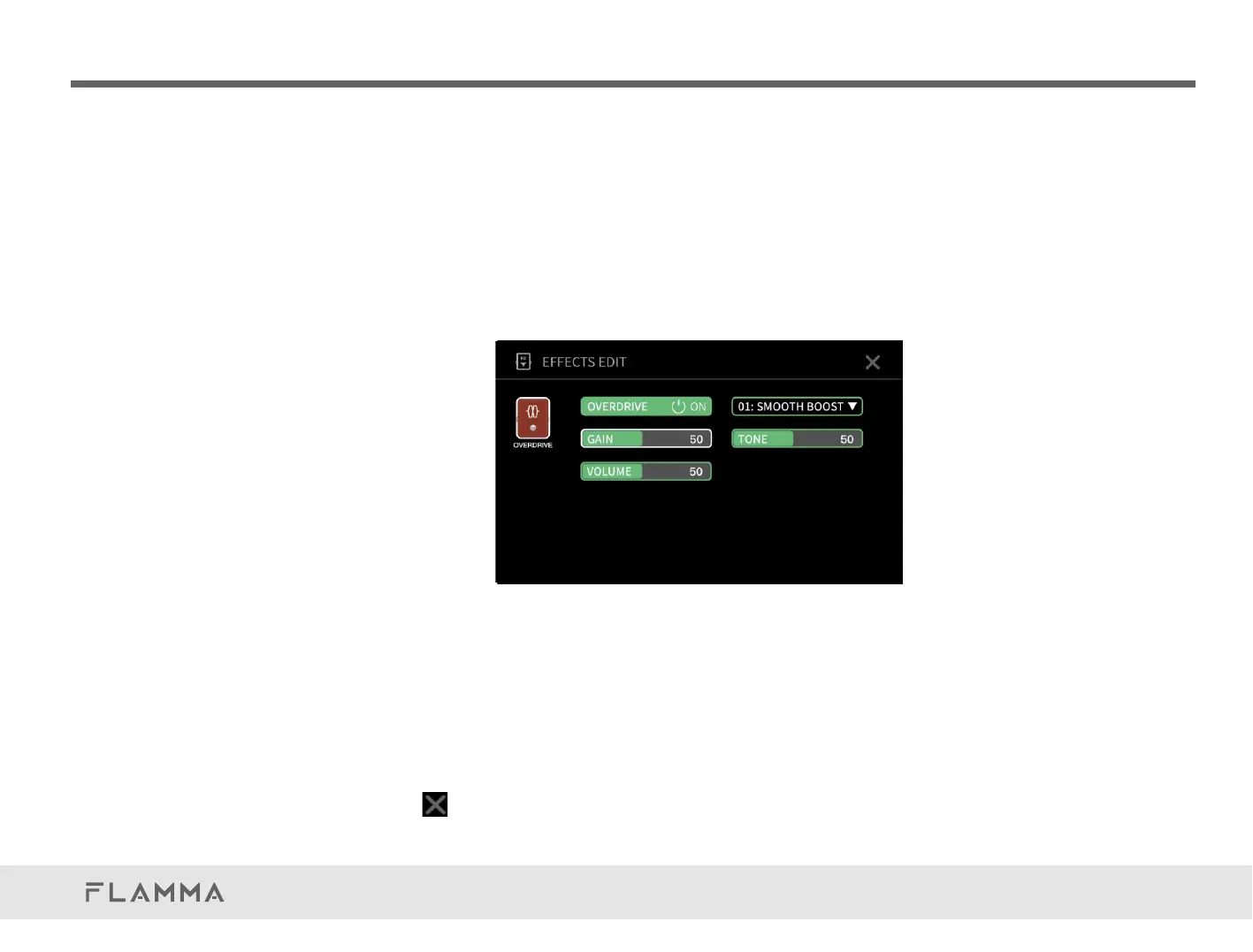
Parameterediting:In the editing page, click to select a module, click on the module again to enter
parameter editing menu.
Intheparameterpage,clickonthepowerswitchtoturnOn/Offcurrentmodule.
Clickonthemoduletypetoopenthedrop-downmenu,youcanscrollup/downorrotate
theVALUEtoselectamoduletype.
Clickanddragontheparameterareatoadjustthevalues,oryoucanrotateVALUEtoadjust
them.
Clickontheatthetoprightcornertoquittheparametereditingpage.
QuickTour



 To Next Page