www.flammainnovation.comShenzhenFlammaInnovationCo.,Ltd
27
FOOTSWITCH
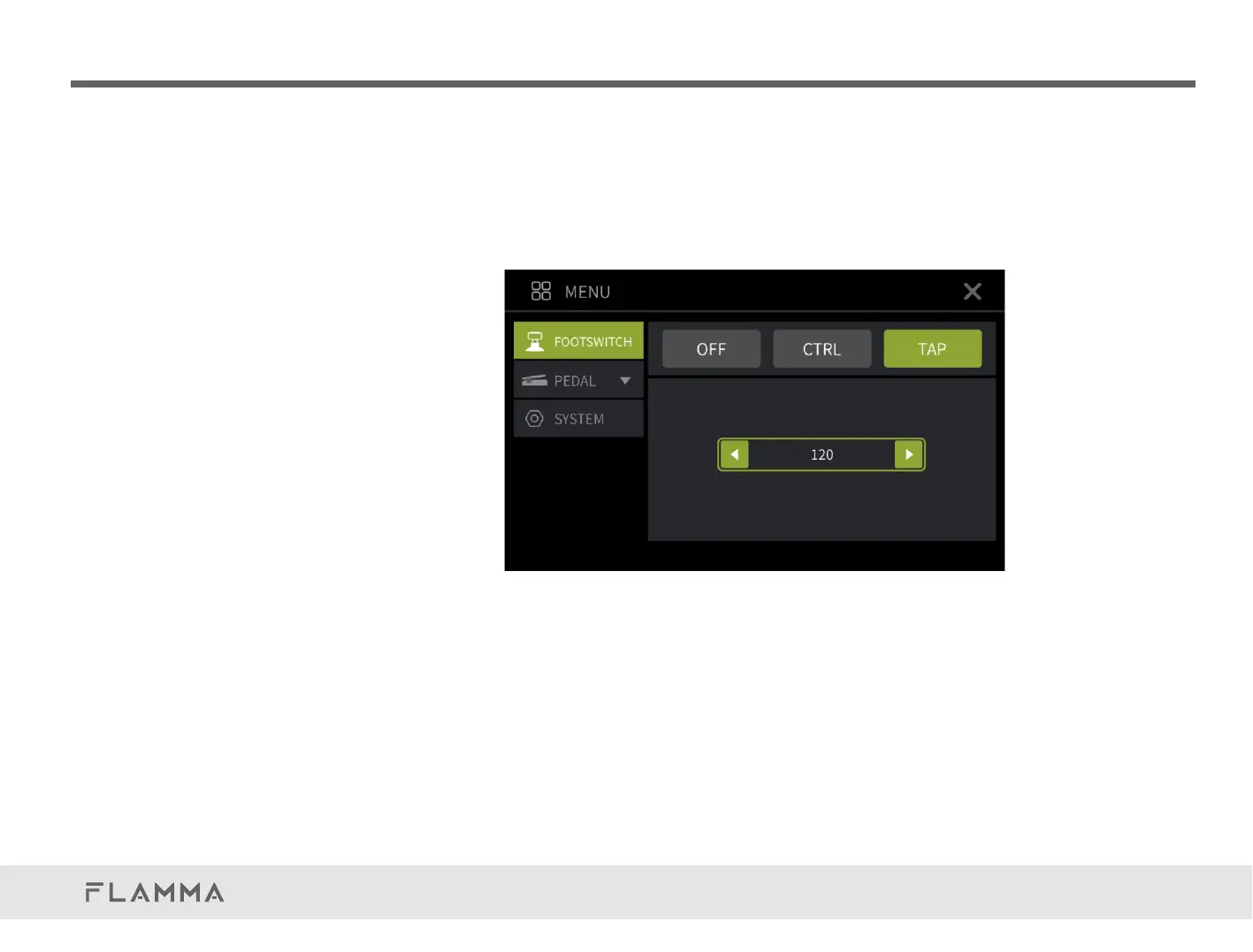
TAP:YoucansetthefootswitchastheTAMPTEMPOfunctionforsettingthespeedofthedelay
effect.ThefootswitchLEDindicatorwillblinkinRED.Pressthefootswitchmorethantwotimesto
setupthedelaytime.ClickonthearrowiconorrotatetheVALUEtoadjustthedelaytime
precisely.ThenumberbelowrepresentstheBPMvalue.ThefootswitchLEDindicatorwillblink
accordingtothecurrentspeed.
Notes:
1.Footswitchsettingsneedtobesavedtothecurrentpresetpatchafteranychanges.
2.UserscanswitchbetweenCTRLandTAPfunctionsviapressandholdpresetfootswitch.
3.BeforeusingtheTAPfunction,pleaseturnontheSUB-DfunctionintheDELAYeffect.



 To Next Page