www.flammainnovation.comShenzhenFlammaInnovationCo.,Ltd
37
SYSTEM
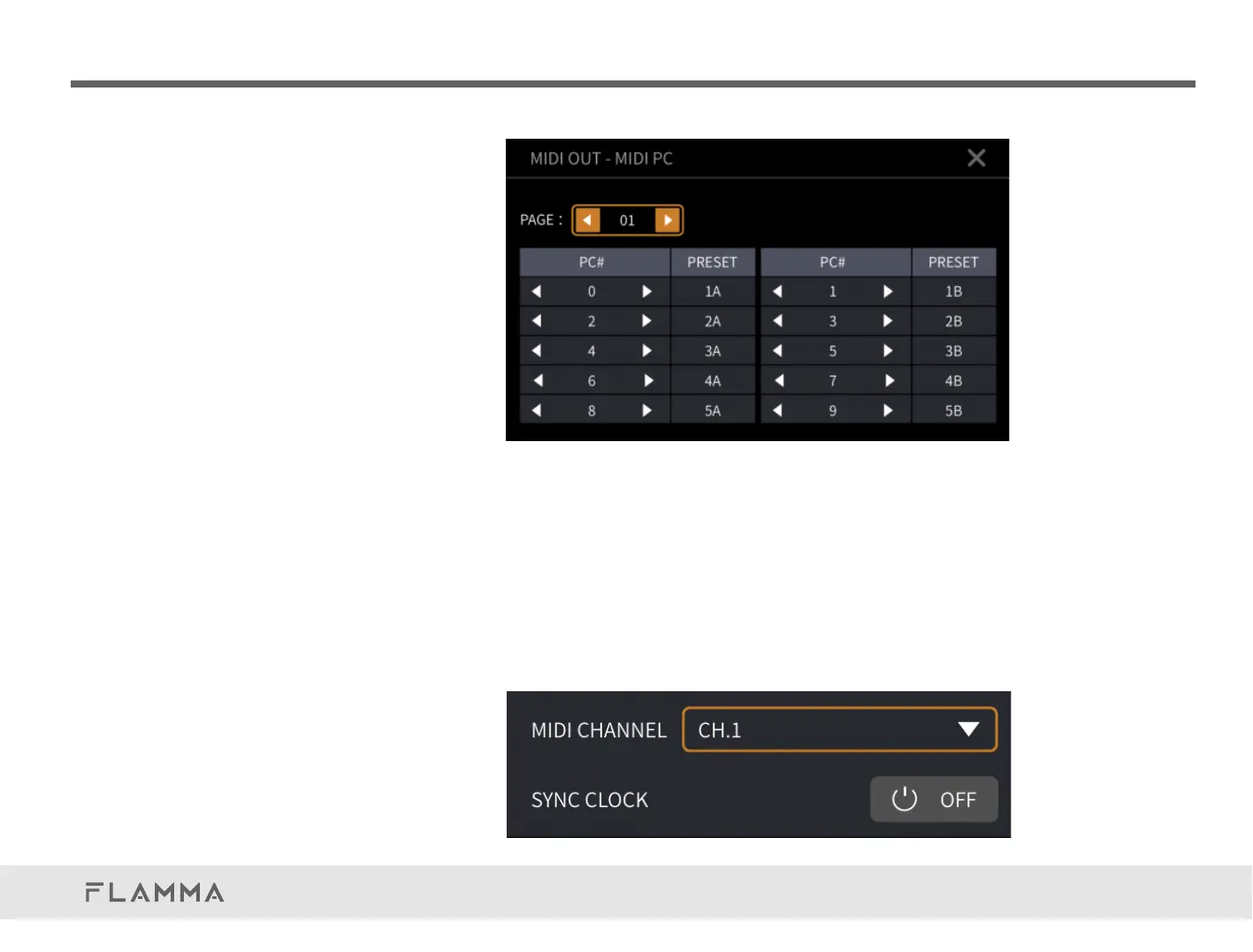
MIDICHANNEL:
ClickontheMIDICHANNELblocktoopenthedrop-downmenuoftheMIDIchannel.Youcanselect
from16channels,orsetitasOMNI(Allthechannelsareselected,butonlyavailableinMIDIINmode).
SYNCCLOCK:
TurnOn/OfftheMIDIclockfunction.WhenitisOn,intheMIDIINmode,theFX200canreceivethe
MIDIclocksignalandsyncwithexternaldevices.IntheMIDIoutmode,theFX200canalsosendthe
MIDIclocksignalforsyncingtheexternaldevicecontrolledbytheFX200.



 To Next Page