2.4 Leveling Build Plate
How to use the nuts
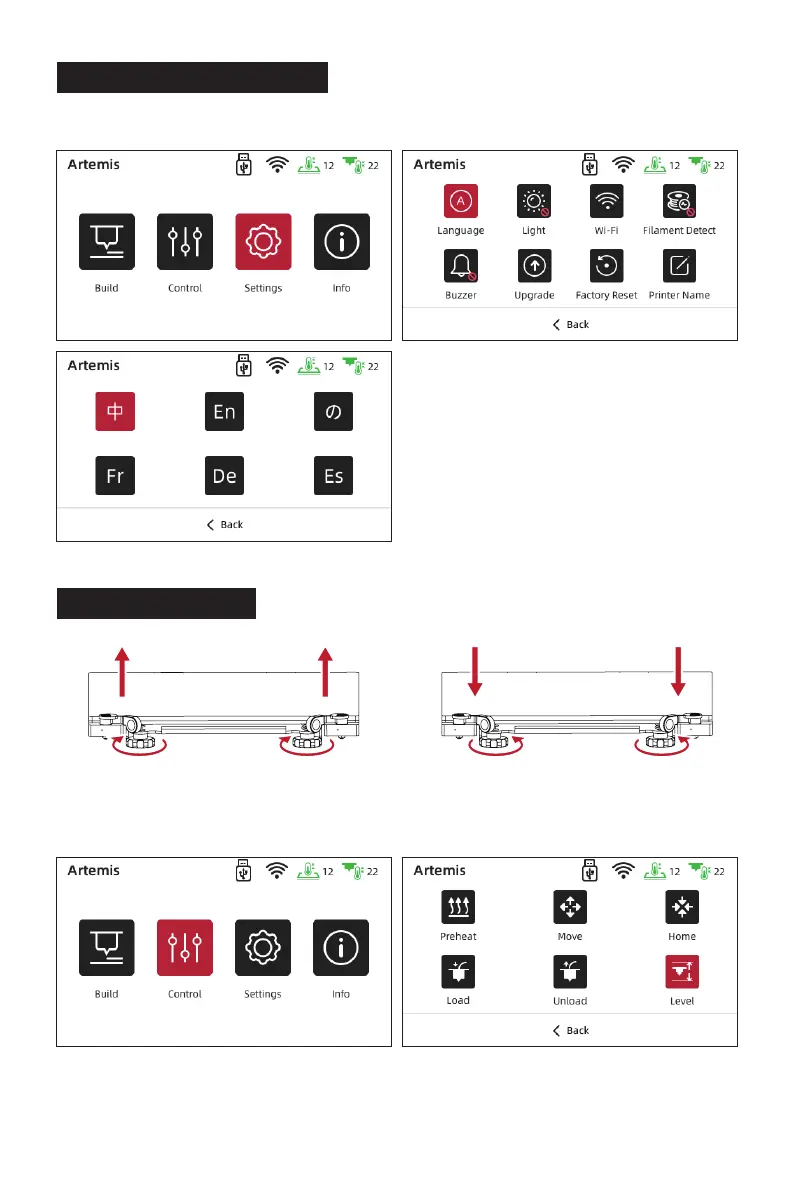
Click [settings]-[Language] to switch the language.
Build plate goes up
Build plate goes down
Rotate the nuts clockwise
Raise the build plate to reduce the distance
between the nozzle and build plate.
Lower the build plate to increase the distance
between the nozzle and build plate.
Rotate the nuts Anticlockwise
Put a piece of A4 paper on the build plate, tap the touchscreen [Control] - [Level] and
wait for the extruder moving to the first leveling point.
1.
09















 To Next Page