第 十三 页 共 十三
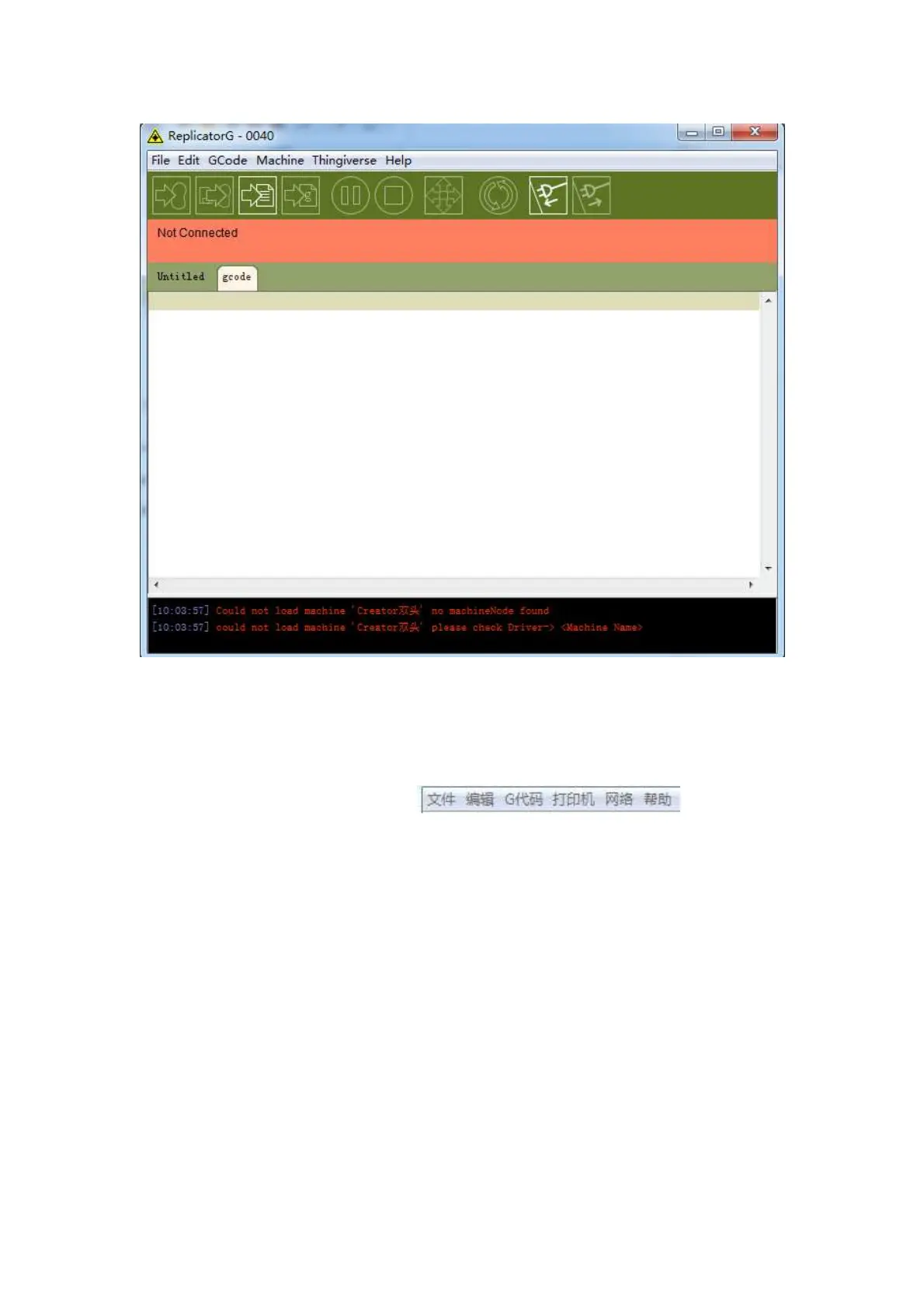
(the text and green code on the above image can not be seen )
Then we will give a detailed introduction on how to import files and generate G-code.
Click on the open option in file , click the file
you want to print (STL format), and import it by double-clicking. Then the work piece
of the drawing design will appear in the interface.















 To Next Page