第 二十 页 共 二十
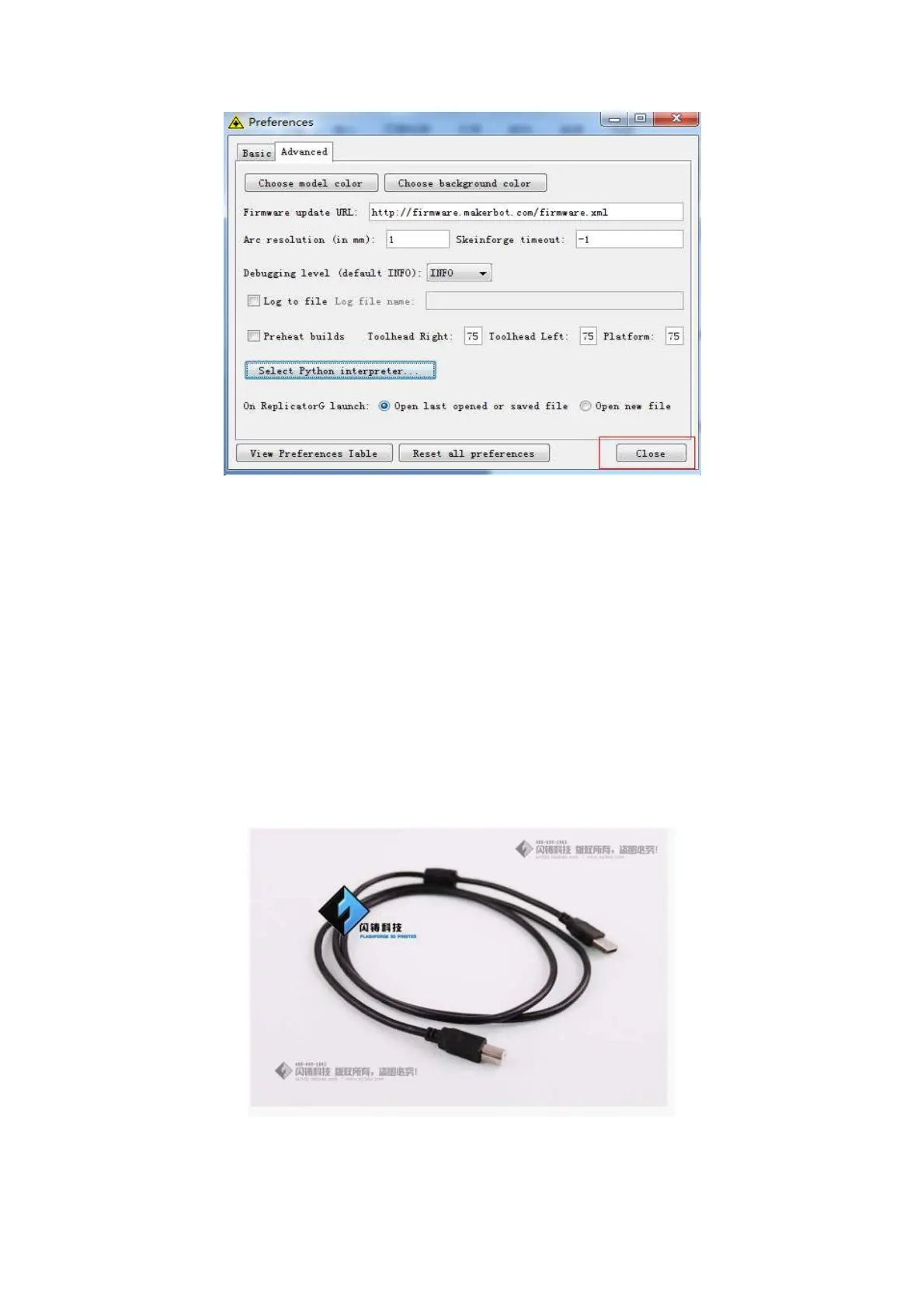
After clicking the "Close" button, the settings are done!
The machine will work normally by clicking the “G-code generation” button. Next we
will start a preliminary test on the machine’s connections and we will heat the
platform and extruder.
USB connection & setting the extruder and
platform temperature
First, connect the machine and computer with the provided USB cable.















 To Next Page