第 三十四 页 共 三十四
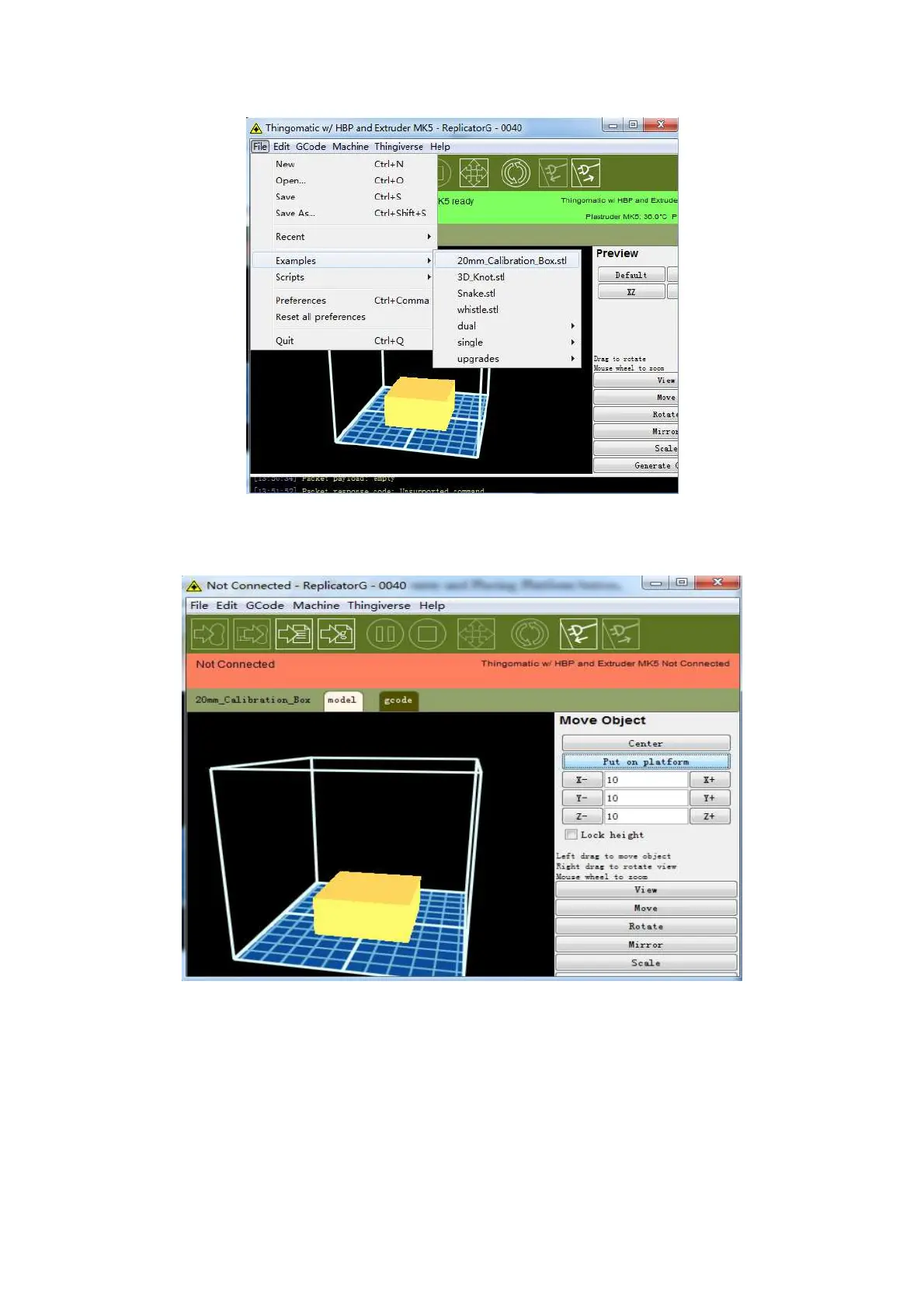
When this interface appears, click Move, click Center and Placing Platform button,
so that the sample will be printed in the center.
After clicking the two buttons, click G Code Generation button, a Generation G
Code dialog box pops up. Parameters will be set according to the data setting in the
picture, as shown in Figure















 To Next Page