第 九 页 共 九
The hardware installation is almost completed.
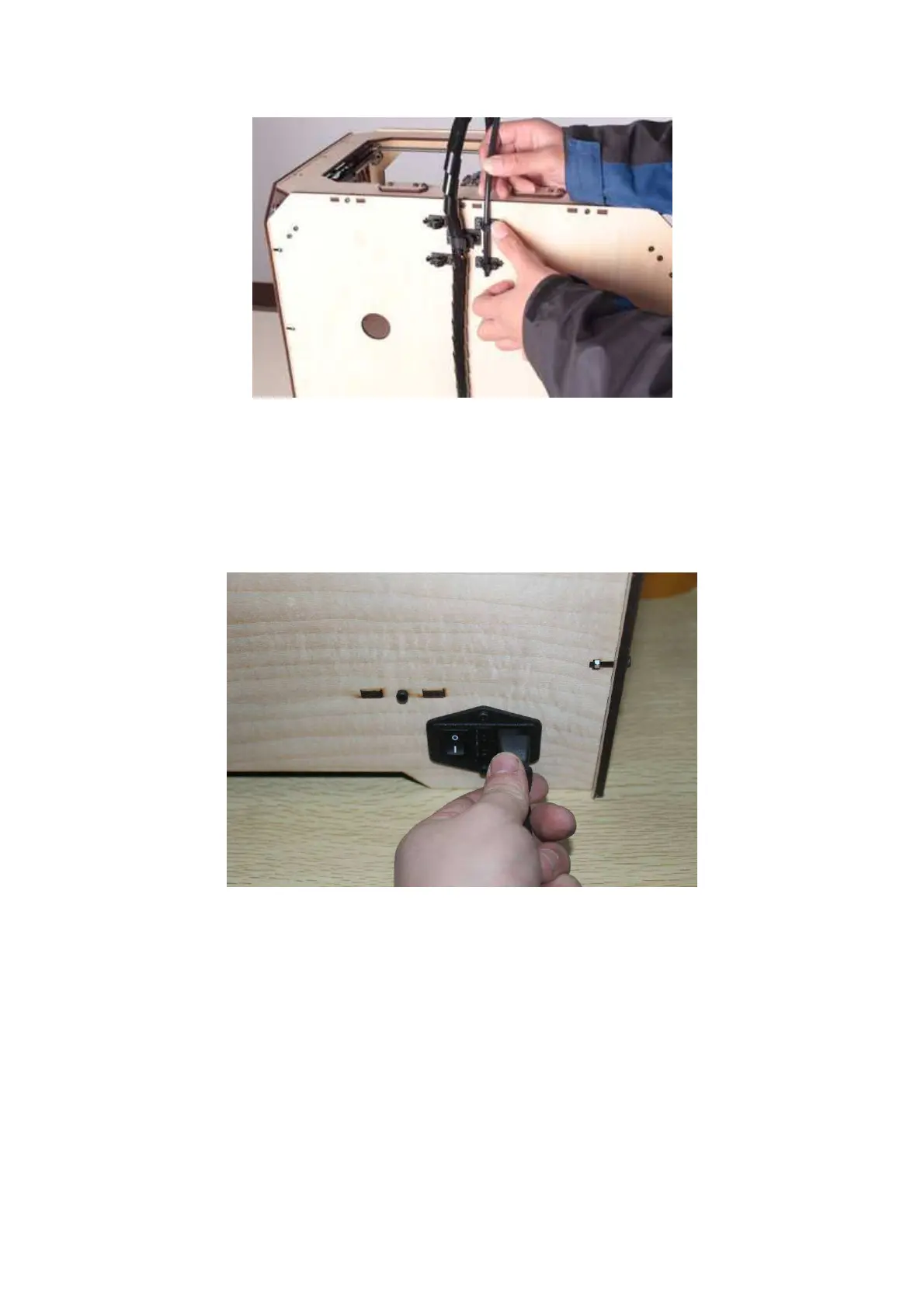
Next, with the power switch in the "OFF" position, confirm that the power cord is
plugged in to the power outlet next to the power switch.
Now plug the USB A TO B cable into the USB B-type port -- do not plug the other
end in yet.
Finally, take the filament out of the box, install it on the bracket, and screw the
retaining nut. The nut should not be over-tightened.















 To Next Page