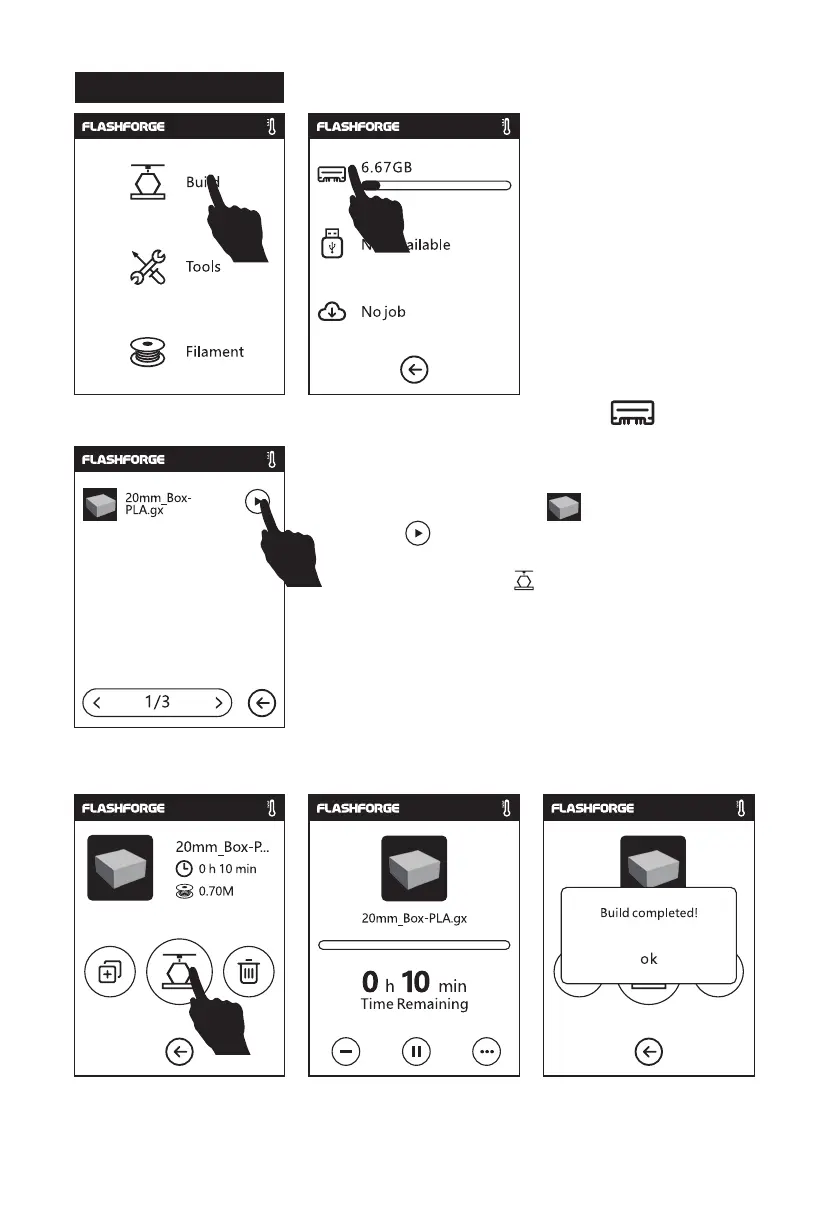
1. Tap [Build], choose the file path: Print from local memory card.
2. Locate the model file in the model list,
Tap
on its right to start printing; or tap
model file picture or file name to enter model
details page, tap to start printing.
3. Extruder will heat up and printer will start printing after heating completed. After
model printing finished, printer will sound a beep and pop out notice on touch
screen.
Model Print
m
08















 To Next Page