08
Model Remove
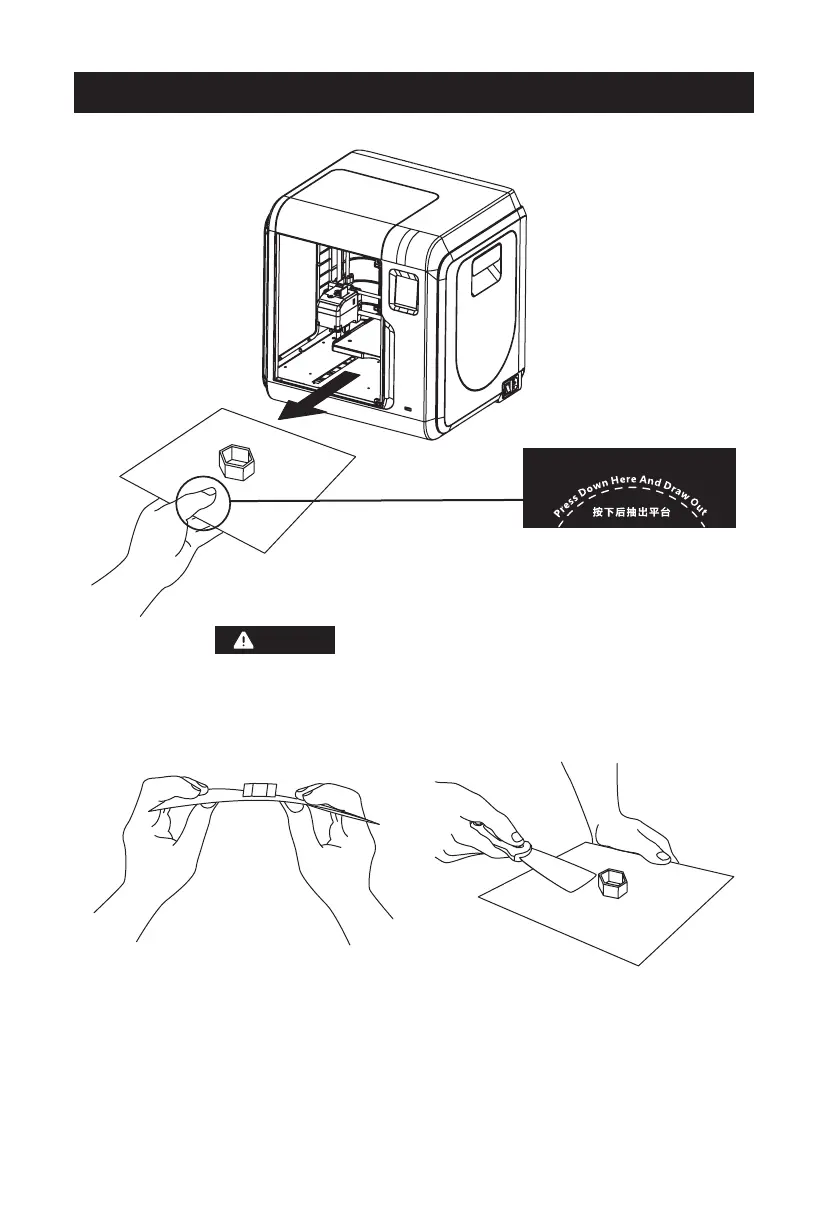
1. As showed in picture, press down dotted line area and draw out the
removable build plate.
When printing completed, extruder and build plate may still hot,
please start operating after cooling down!
2
. Bend the build plate, the plate will produce certain deformation, seperating the
plate away from the bottom of model (Please use a scraper to assist removing
when model is too small or big).
Notices















 To Next Page