05
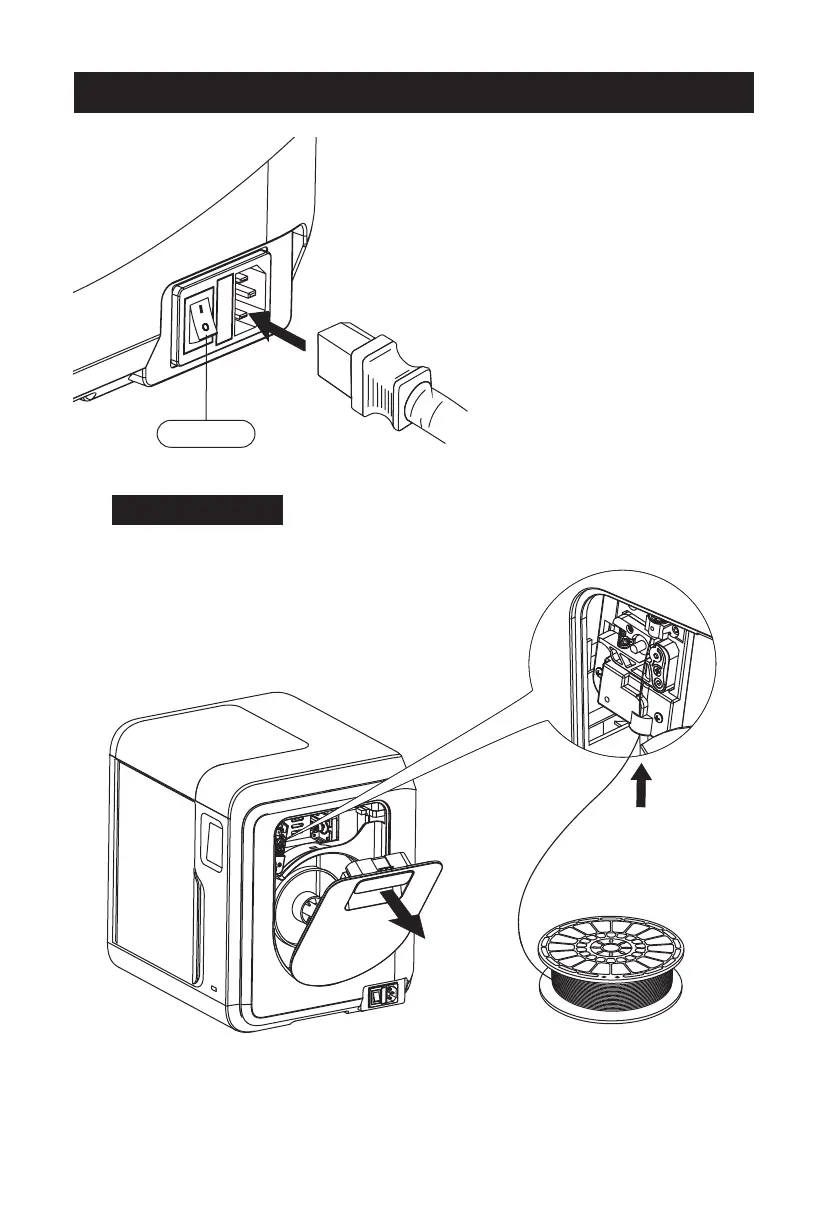
Power Switch
Plug the power cable into the input on the
back and turn on the power switch, the touch
screen is turned on.
1. Open the filament cover, insert the filament into the
filament intake, push filament into the feeding wheel
until some resistance is sensed.
Note: Please make sure filament has been pushed into
the feeding wheel!
First Print
Load Filament















 To Next Page