Unboxing
The Creator Pro 2 was carefully packaged at FlashForge manufacturing facility. Please
follow the unpacking steps laid out below.
CAUTION
1. Remove the package and take out accessories carefully. Do not
use force.
2. Do not tear the yellow high temperature resistant adhesive tape
around the nozzle, it has thermal insulation and high temperature
resistance characteristics.
1.
2.
3.
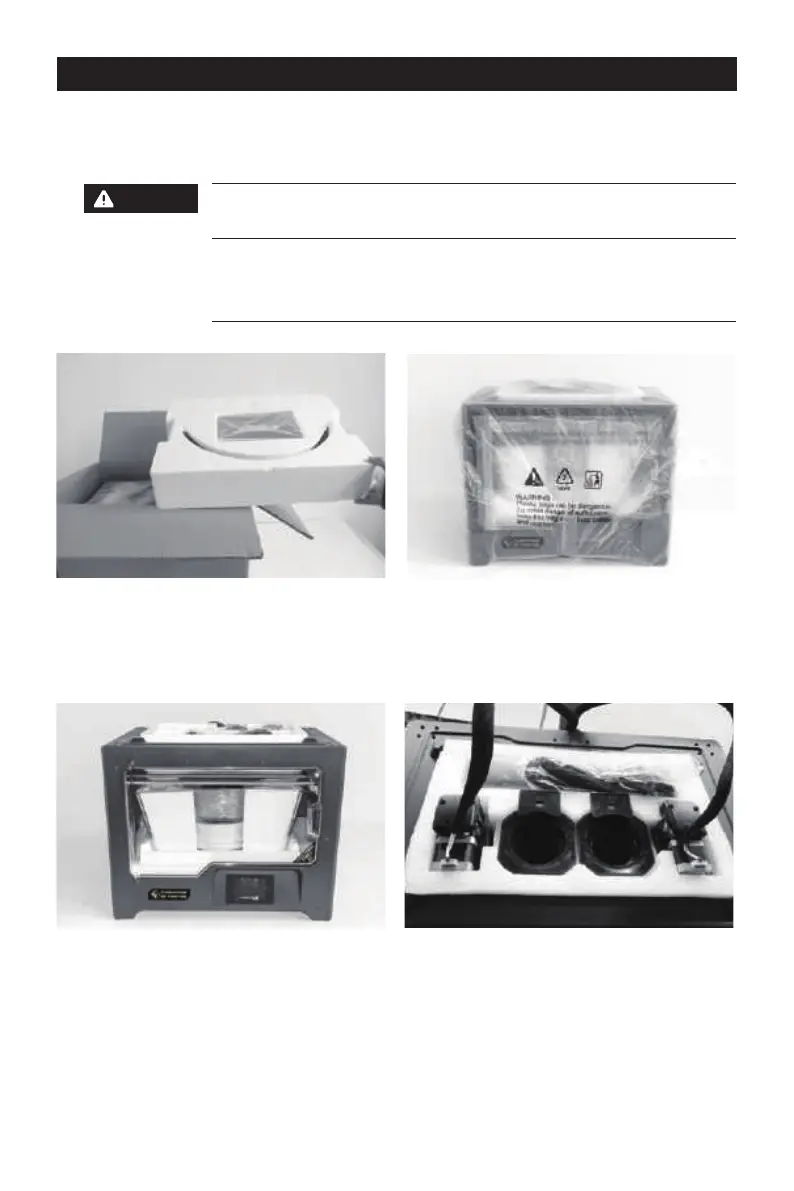
Open box and remove top foam piece.
Firmly grasp the two side handles of
FlashForge Creator Pro 2. Lift it out of the
carton and place it on a stable surface.
Remove the packing bag and then
remove the tape and plastic wrap for
protecting the front door.
4. The accessories shall be displayed. Let
us remove the inner package and take
the accessories out.
1













 To Next Page