06
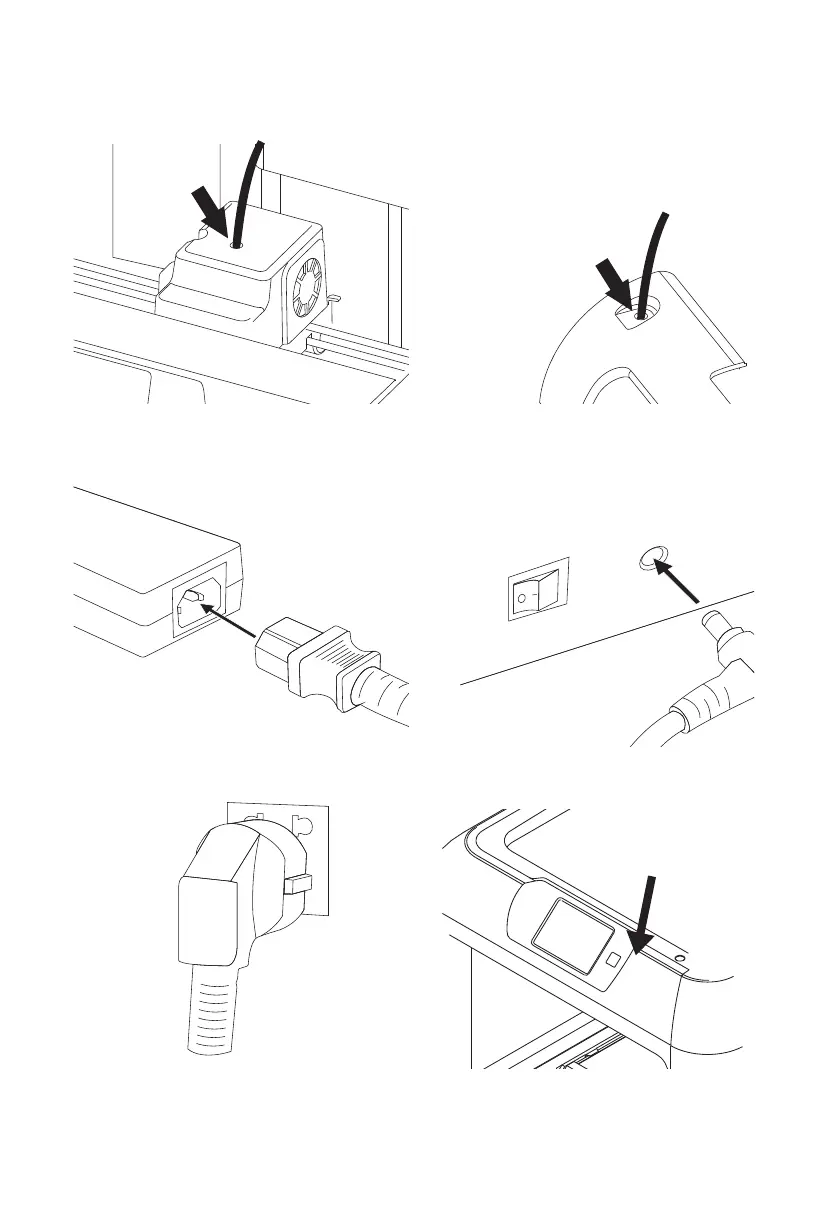
5. After inserting into filament intake, insert
guidetube into extruder filament intake.
6. Finally put the other end of filament guidetube
to filament outlet on the top of filament
cartridge.
7. Conmect the power adapter with the power cable. 8. Insert the power supply into the power input
on the back.
10. Press the touch screen button to turn on
the printer.
Touch Screen Button
9. Plug the other end of power cable into socket,
turn on the power switch.















 To Next Page