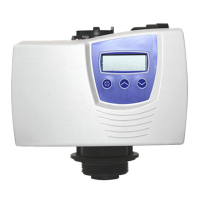
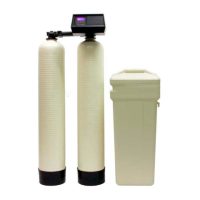
May not show on all systems.
May not show on all systems.
System Capacity tells the control head the capacity of the system in grains, this setting will be set to
match your system. Note the x1000 indicator will light up to indicate you are setting x1000, so a 48
setting is used for 48,000 grain (48k) systems. Reference the chart in the inventory section for help in
#nding the standard capacity for common tank sizes.
Hardness. This is the hardness of the water as measured in grains per gallon (GPG). If your test shows
hardness as parts per million (ppm) or milligrams per liter (mg/l) simply divide by 17.1 to get grains per
If you are seeing this setting please contact one of our support technicians for assistance.
Reserve Capacity - Set to the average number of gallons used per day. If this number is not known you
can esitmate averages by multiplying the number of people in the home by 75 and using the result for
Day Override - this setting will start the regeneration cycle after the set number of days regardless of
usage. Typically set no higher than 14 to ensure the resin gets lifted and cleaned o! regularly.
Regen Time, this is the time of day the regeneration will start. This process typically takes 1.5-2 hours
depending on system size, so schedule it when water will not be used. It is common to set to run when
everyone is asleep, and ensure it does not con$ict with any other systems you may have.
11 of 19


 To Next Page
 Loading...