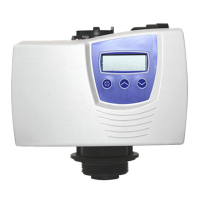
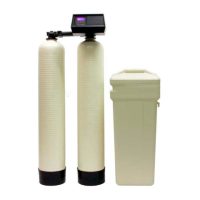
SS XX TT CC oo nn tt r r oo l l ss
mechanical valves you may hear a quiet hum of the motor or you may have to wait to see if the time dial
II nn ii tt aa ll vv aa ll vv ee ss ee tt uu pp
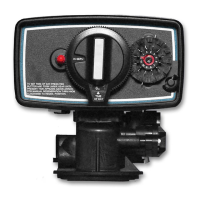
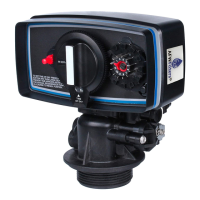
II ff yy oo uu hh aavv ee tt hh ee mm ee cc hh aann i icc aa ll vvaa ll vvee yy oo uu cc aa nn ss kkii pp dd oo ww nn ttoo tt hh ee mm ee cc hh aa nn i icc aa ll ss ee tt uu pp
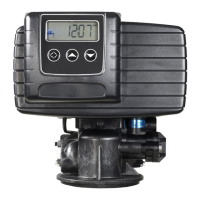
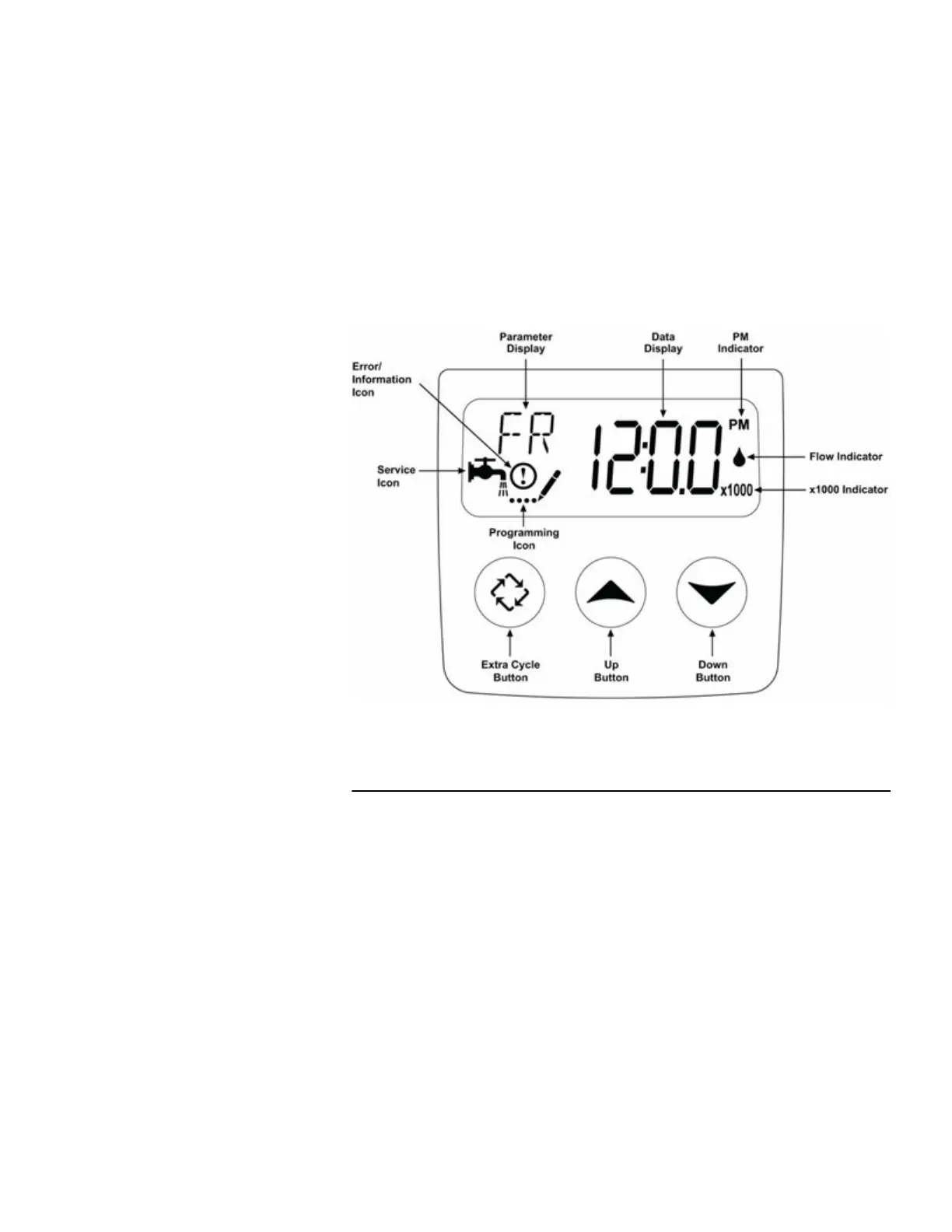
To set the time of day press and
hold the up OR down arrow until
the service icon is replaced with
the programming icon. Use the
up and down arrows to set the
time of day (PM is indicated in
the upper right corner of the
screen). Hold the arrow down to
advance quickly through the
time. Once the time is set, press
the extra cycle button to save the
For initial programming ensure
the clock says 12:01 pm and the
parameter display is NOT shown.
Press and hold the up AND down
arrow buttons together for 5-10
seconds until the programming
icon appears and [DF] is shown in
the parameter code. Once each
setting has been entered, use the
extra cycle button to advance to
PP l l ee aa s s ee NN oo t t ee : :
Most of these settings will be left alone.
DD o o n n o o t t c c h h a a n n g g e e a a n n y y s s e e t t t t i i n n g g s s u u n n l l e e s s s s s s p p e e c c i i ## c c a a l l l l y y i i n n s s t t r r u u c c t t e e d d t t oo dd o o s s o o bb y y t t h h e e s s e e i i n n s s t t r r u u c c t t i i o o nn s s oo r r oo nn ee
oo f f oo uu r r t t ee c c hh s s . .
Display format, should be set to Gal, and all instructions are based on this format.
10 of 19


 To Next Page
 Loading...