S E T U P F O R M C H A P T E R 4
Overall Display
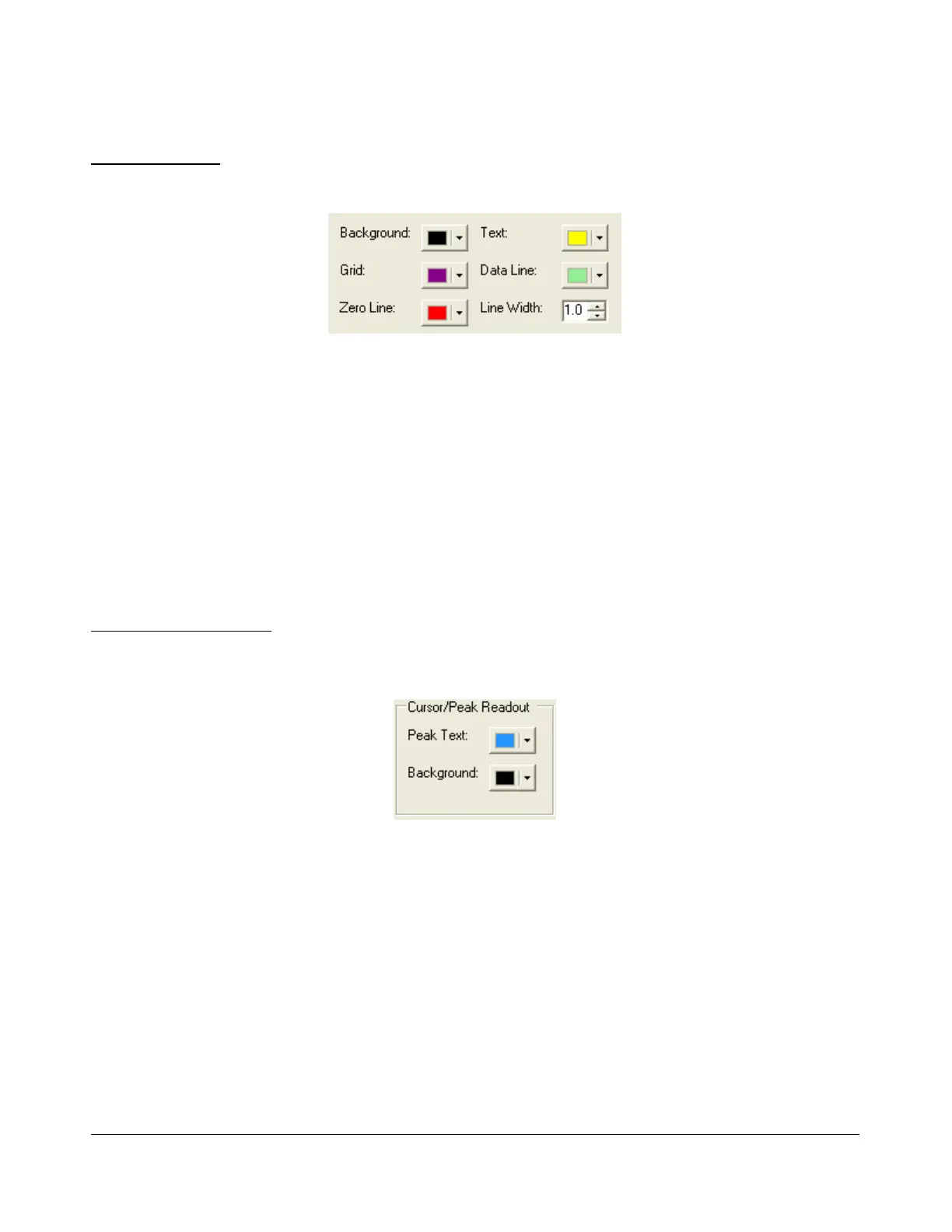
These controls change the appearance of all the display types, where relevant.
Figure 115: Overall Display Appearance Controls
Background: The background color for the display.
Grid: The color of the grid in display types where a grid is necessary.
Zero Line: The color of the zero line in frequency displays.
Text: The color of the text on the display for frequency and level callouts.
Data Line: The color of the actual data being displayed.
Line Width: The width in pixels of the actual data being displayed.
Cursor/Peak Readout
These controls change the appearance of the cursor and peak texts under the frequency domain
displays.
Figure 116: Cursor/Peak Readout Appearance Controls
Peak Text: The color of the Peak signal location text located under the display.
Background: The background color of the Peak signal location text.
[The rest of this page has been left blank intentionally]
117 2003-2008 FlexRadio Systems



 To Next Page