S E T U P F O R M C H A P T E R 4
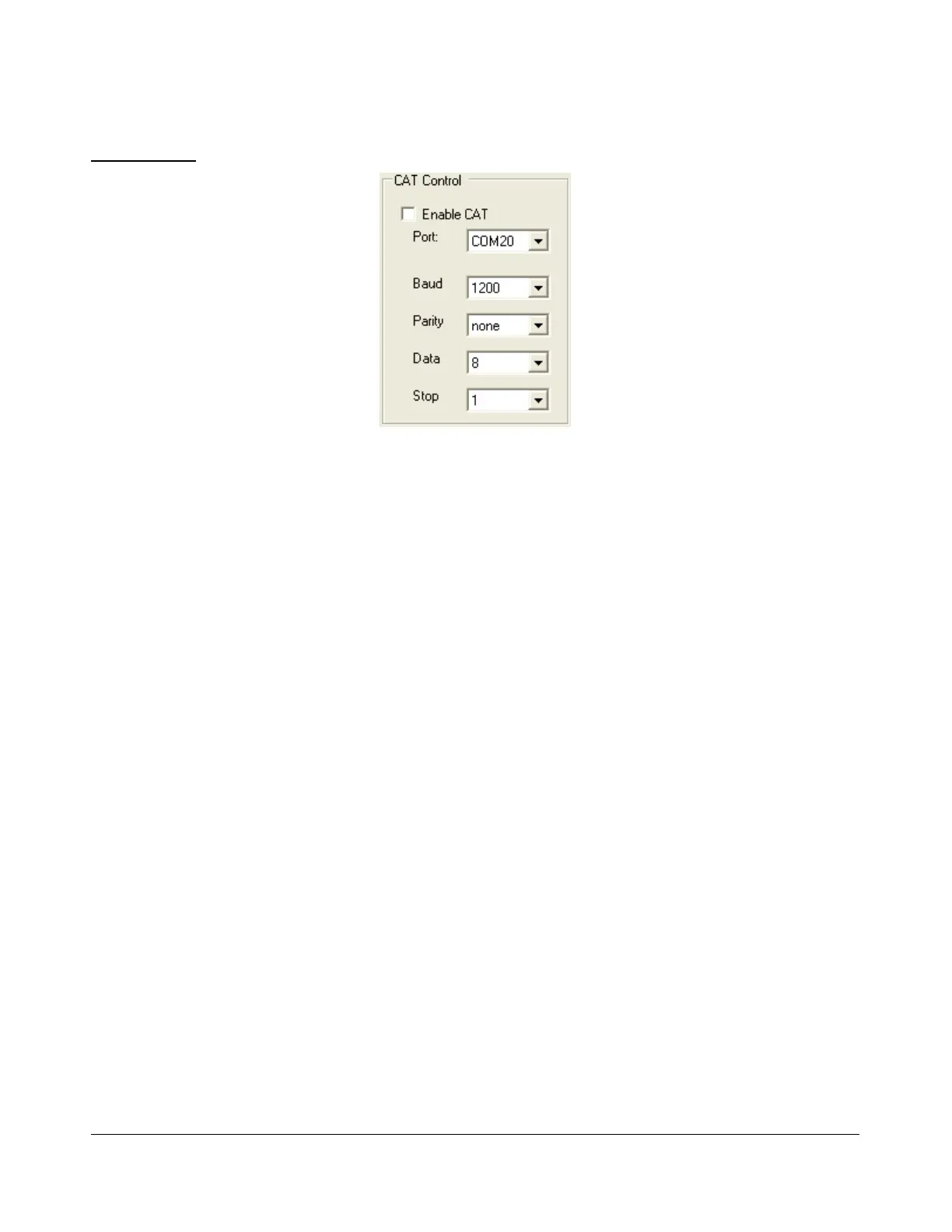
Cat Control
Figure 126: CAT Control
Enable CAT: Check this box to open the com port using the settings below. Note that you will
need to uncheck this box in order to adjust the settings.
Port: Com port number to use. If using N8VB’s vCOM utility, note that you will use one end of
the null-modem pair here and the other on the third-party software (e.g.. HRD).
Baud: The speed at which to transfer data.
Parity: Sets whether to send a parity bit.
Data: Sets how many data bits are sent with each byte.
Stop: Sets whether to send a stop bit.
[The rest of this page has been left blank intentionally]
125 2003-2008 FlexRadio Systems



 To Next Page