H A R D W A R E I N S T A L L A T I O N C H A P T E R 1
Note 1: We strongly recommend you leave the Operation Mode in Safe Mode
Level 1, which offers the best trade-off between ability to recover (no
freeze-ups) and audio latency. However, if you experience regular
freeze-ups, you should increase the Safe Mode Level to either 2 or 3
Note 2: We strongly suggest you select buffer sizes that are powers of 2 (256,
512, 1024 and 2048).
Note 3: The minimum buffer size that can be set is a function of both the
sample rate and the Safe Mode setting. For Safe Mode 1, the
minimum buffer size at 192 kHz is 2048, at 96kHz is 1024 and at
48 kHz is 512.
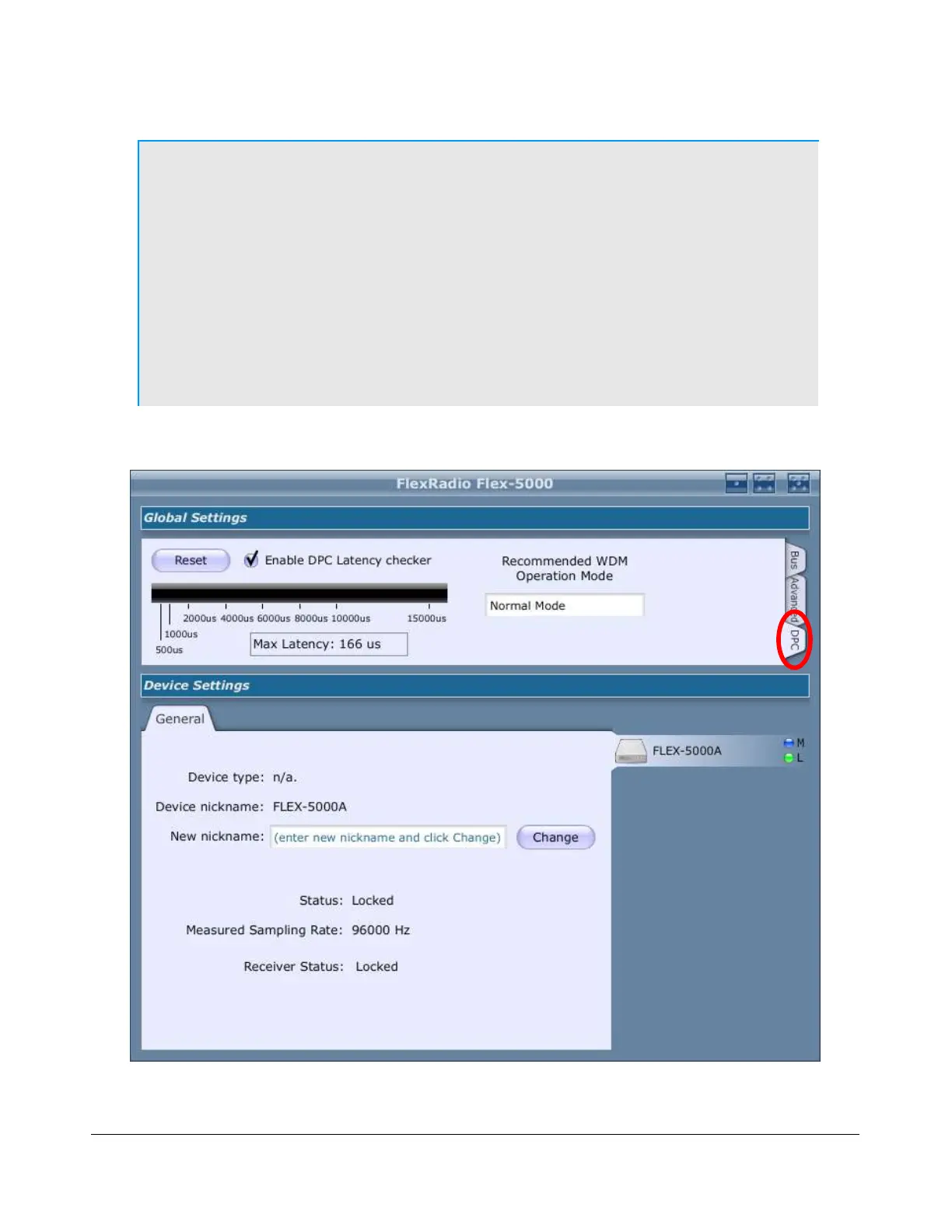
DPC Latency Checker
Figure 15: FLEX-5000 Control Panel DPC Latency Checker
30 2003-2008 FlexRadio Systems



 To Next Page