O P E R A T I O N C H A P T E R 6
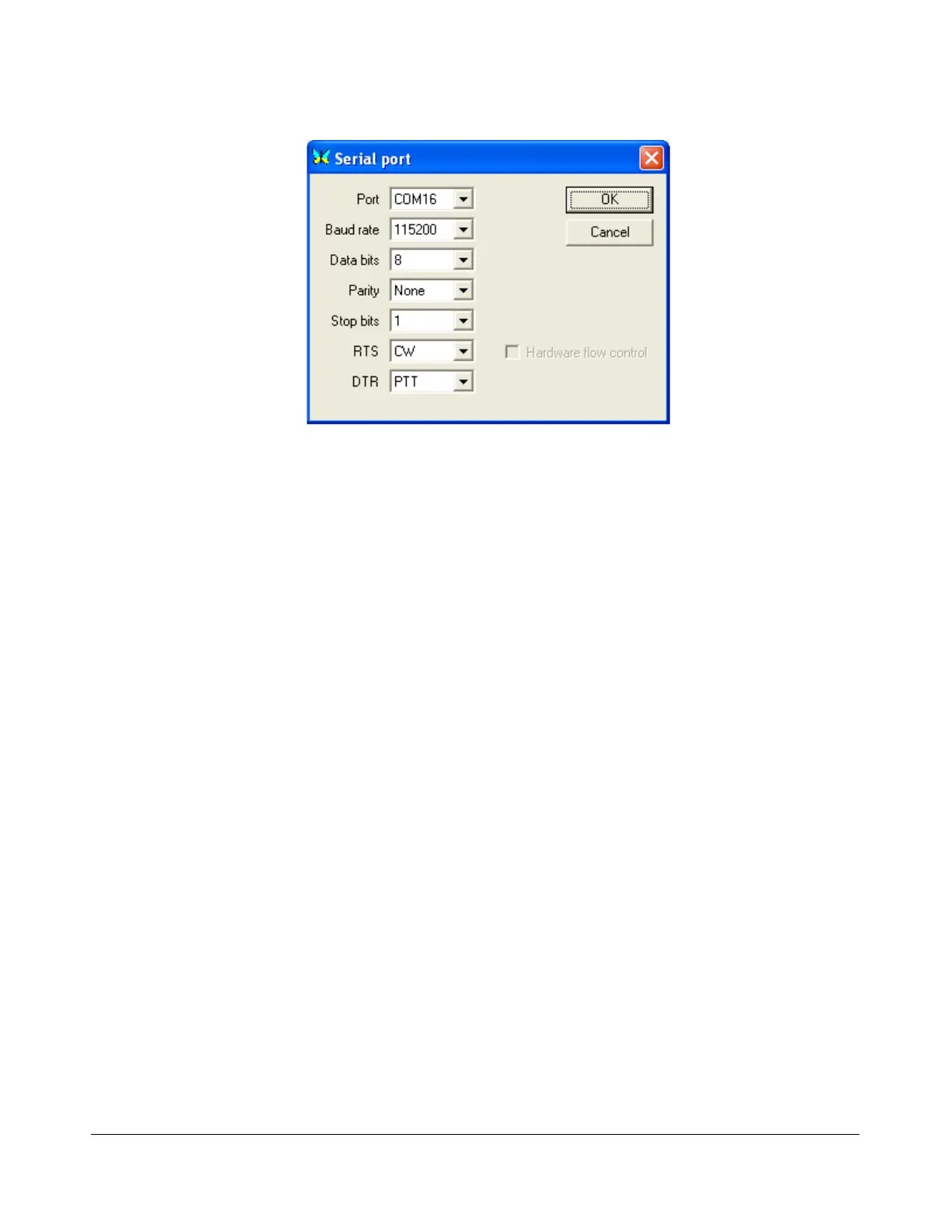
Figure 154: MixW Serial Port Details
5. Set the Port to COM16, RTS to CW and DTR to PTT. Click OK on this form and the previous
form.
6. Change the mode in MixW to CW. Click on the TX button on MixW’s main panel. It should key
PowerSDR without generating a tone. Click RX in MixW and PowerSDR should return to receive.
If you have entered your callsign in MixW, click on the CQ button. It should key the radio and
produce Morse code calling CQ with your call sign. Verify with the TX Meter (4) set to Fwd
Pwr that there is forward power.
7. You are now ready to begin a QSO. If a 50 ohm dummy load was connected, connect an
antenna in its place. Tune to the desired frequency using one of the methods outlined in the
Tuning Methods section above. Select either CWL or CWU (6) and proceed with the QSO.
[The rest of this page has been left blank intentionally]
171 2003-2008 FlexRadio Systems



 To Next Page
 Loading...




